※LASER MARKING ONLY.
When marking on materials with curved surfaces, select a curved surface template in the MagicEngrave program. Enter the height, width and depth of the material then click [OK]. Once the measurement is entered, the z-axis automatically moves along the material’s surface and marks each text.
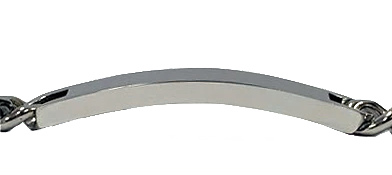
Take note that the machine only marks texts on materials with curved surfaces; other designs are not applicable.
- Select the [Curved Bar] template.
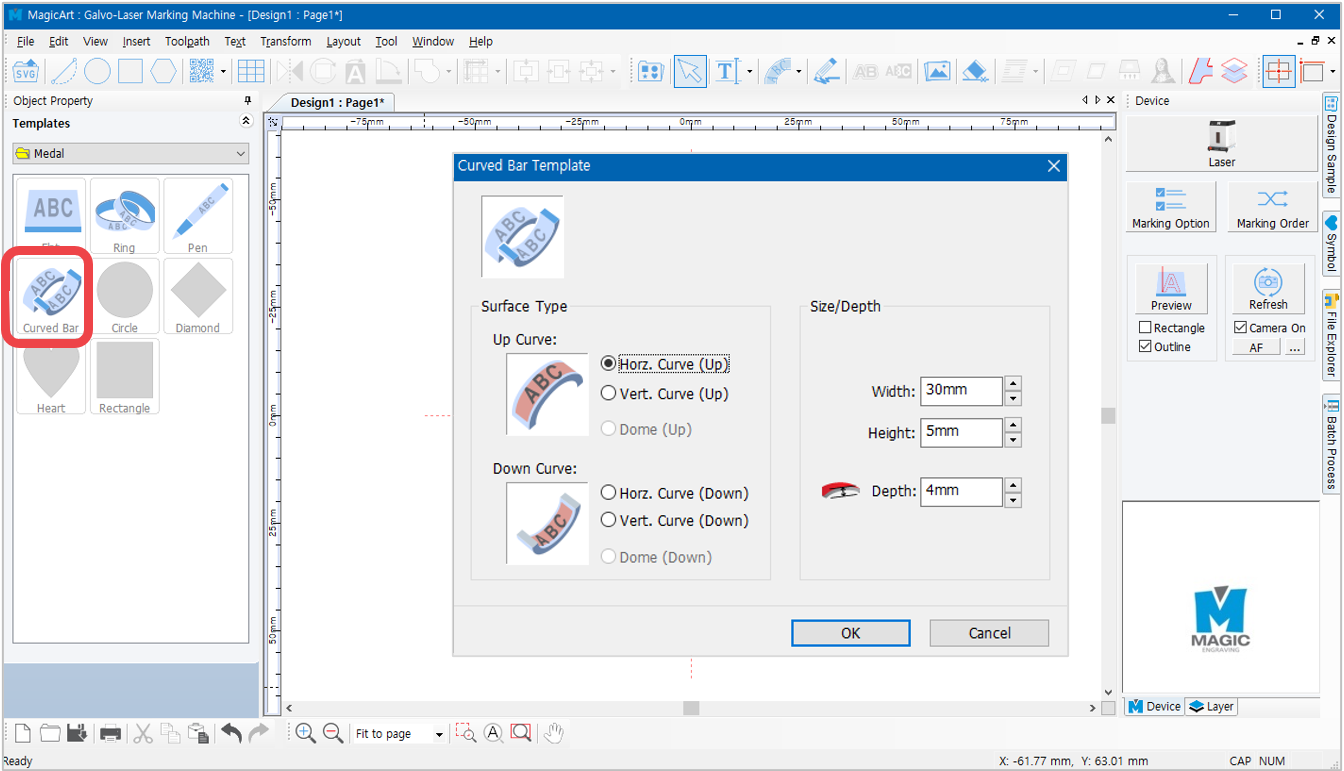
Z-axis movement is calculated based on the measurement entered. Entering incorrect measurement may result in z-axis movement error.
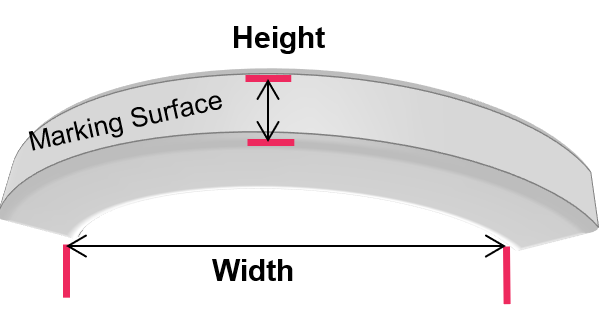
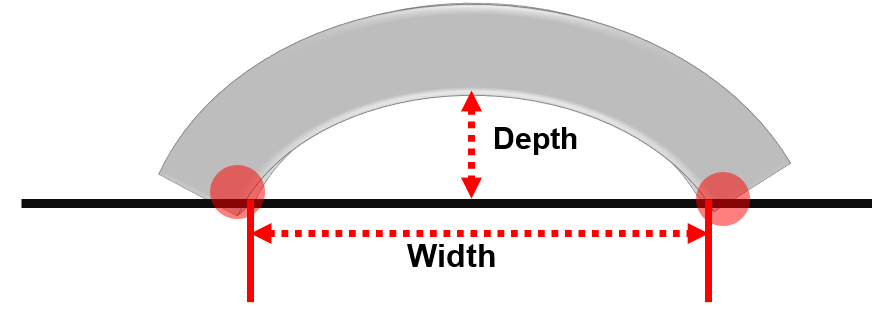
To achieve accurate measurement data, place the curved material on a flat surface then measure its height, width and depth (as shown below). The distance between the two end points must be measured based on the end points that touch the surface.
- Enter the text then create a tool path.
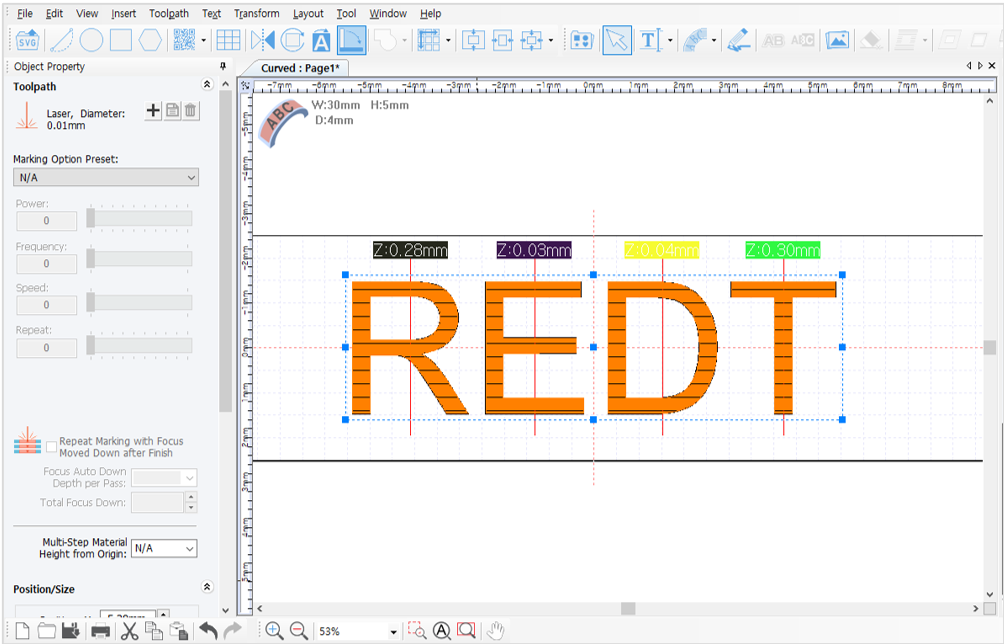
*Z-axis marking movement data is displayed on the screen (as shown below).
- Send the data to start marking.
*Z-axis automatically moves along the surface and marks each text based on the calculated angle.