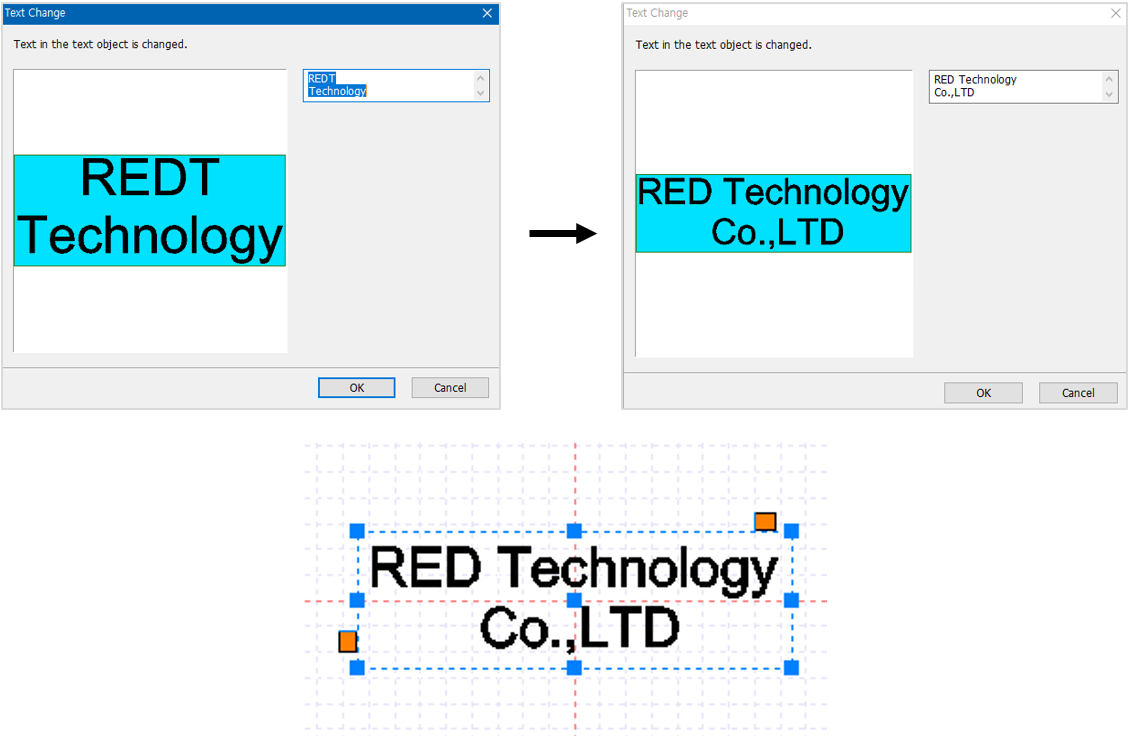
The content of a text can be changed by using [Text Change] feature.
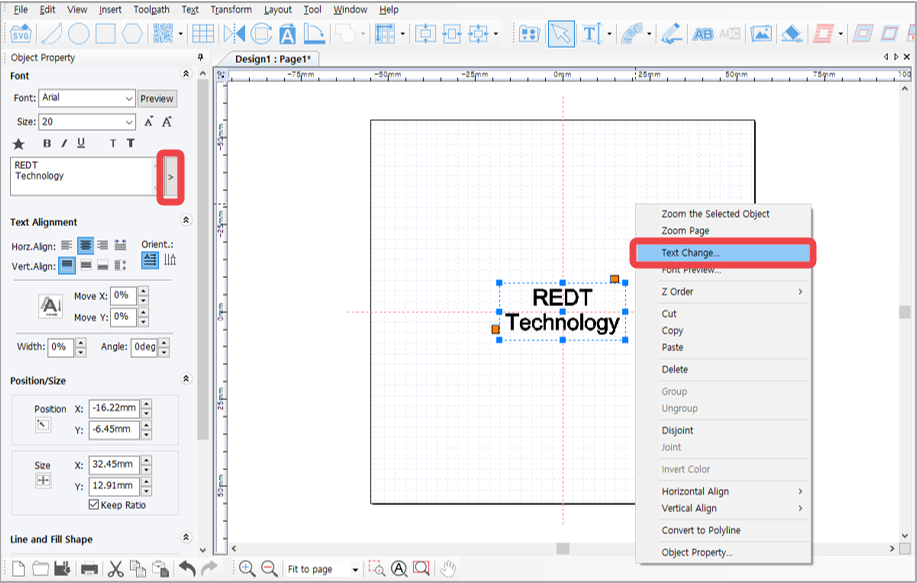
Open a saved design sample, file or select the text objects entered on the work area. Click  [Text change] button or right-click with the mouse then select [Text Change] on the menu. Or, select [Menu] → [Text] → [Text change].
Change the content in the “Text Change” window then click “OK” button. The modified text will be shown on the screen.