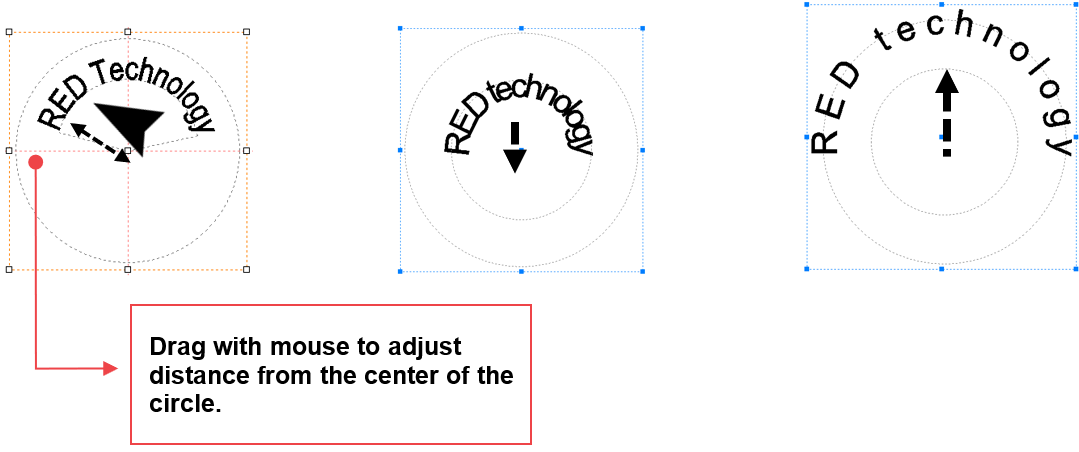
Texts can be arranged around a circle by using circular text object.
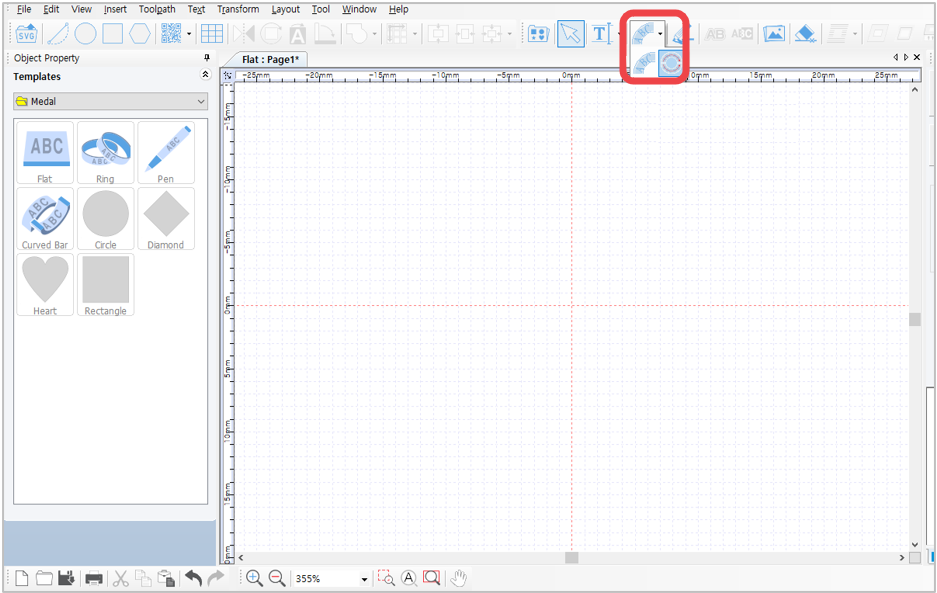
¶ Circular Text
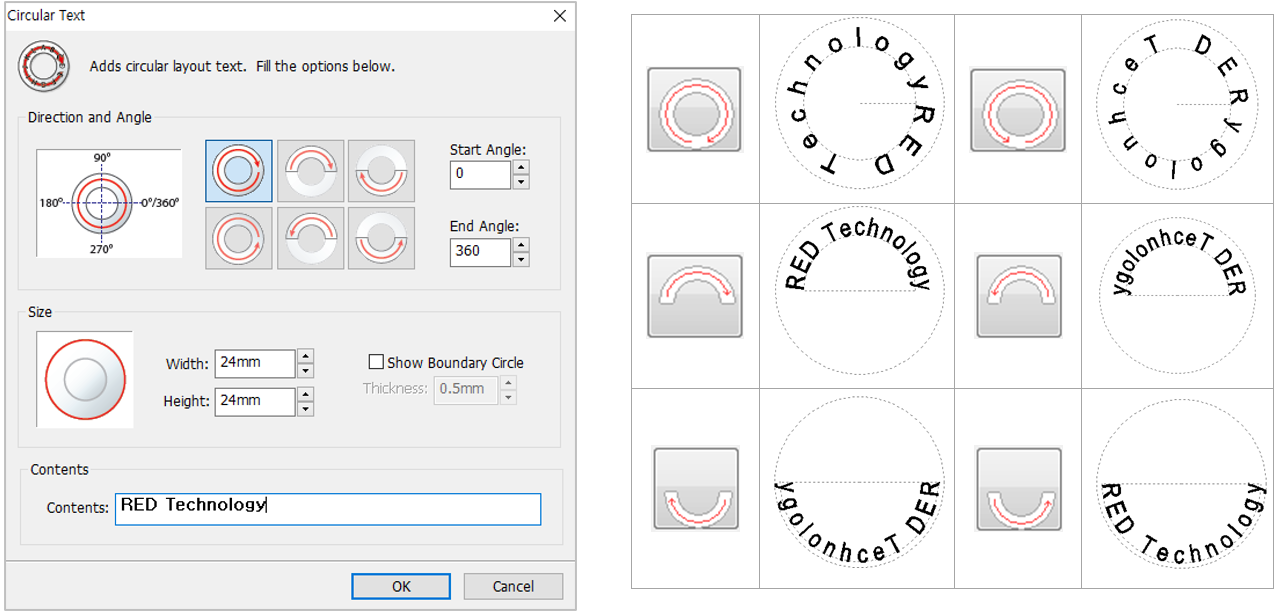
Click  button to display “Circular Text” window. Designate direction and angle, enter the size and text, then click “OK” button.
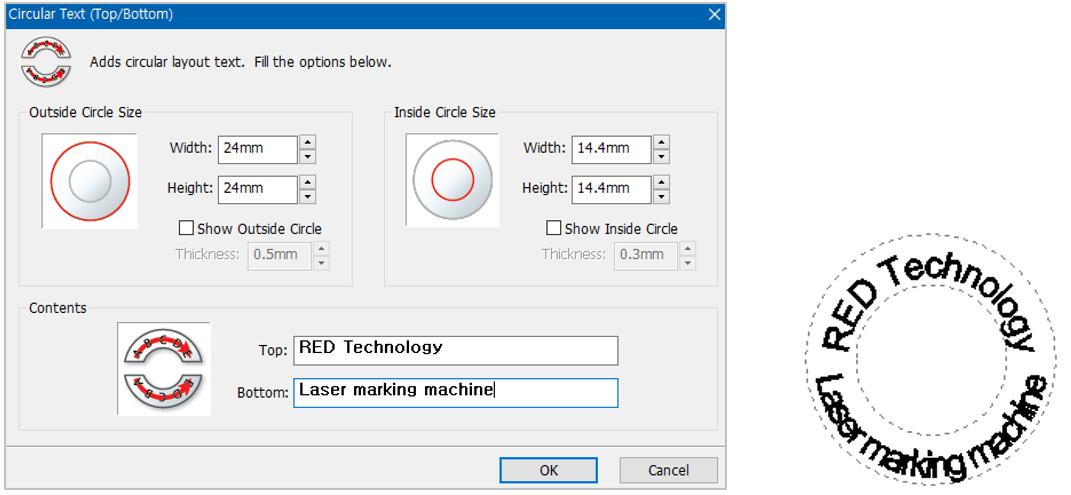
¶ Circular Text- Top/Bottom
¶ Adjusting layout angle
Drag the first character [R] or last character [y] in the text to adjust the angle of the layout.
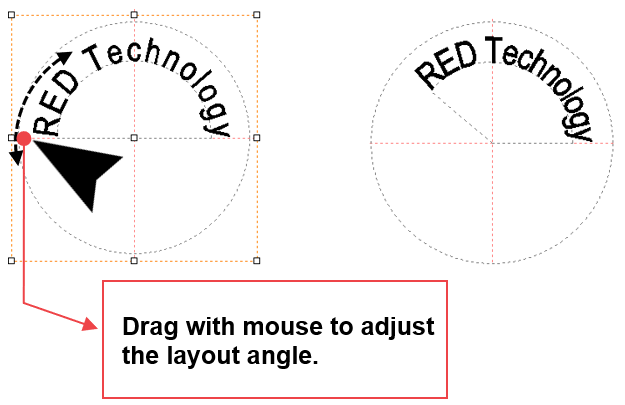
Drag other characters with the mouse to adjust the distance to the center of the circle.