- Click the
 [Line/Curve] button.
- Left-click to display the dotted lines then designate a distance.
Drag the mouse to make a curve appear then right-click to create one.

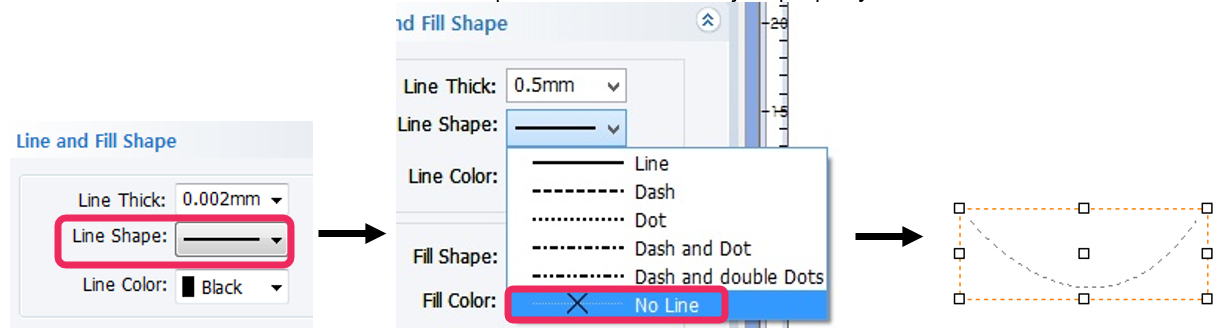
- Select “No Line” on the “Line and Fill Shape” window on the object property window.
- Click [Text Input] button then move the mouse cursor to the curve line. The cursor will change to text cursor as shown below.
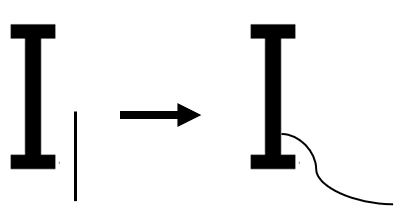
- When the cursor changes to text, click the curve line then enter the text.
