- Place and secure a flat material on the clamp.
- Pressing/holding the
 button to run the laser pointer calibration.
- The tool draws a cross (+) line on the material and the laser pointer is turned on.
- Move the laser pointer to the center of the cross by using the


 direction keys then press
  button.
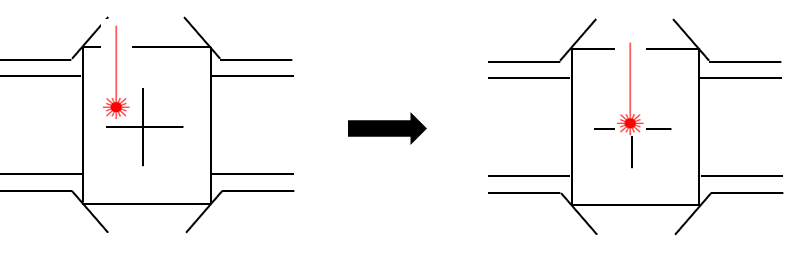
- The laser pointer moves closer to the material to calibrate the laser pointer’s origin. Move the laser pointer to the center of the cross by using the direction keys on the engraving machine then long-press and hold the button (for more than 3 seconds) until it beeps to confirm that the setting is saved.