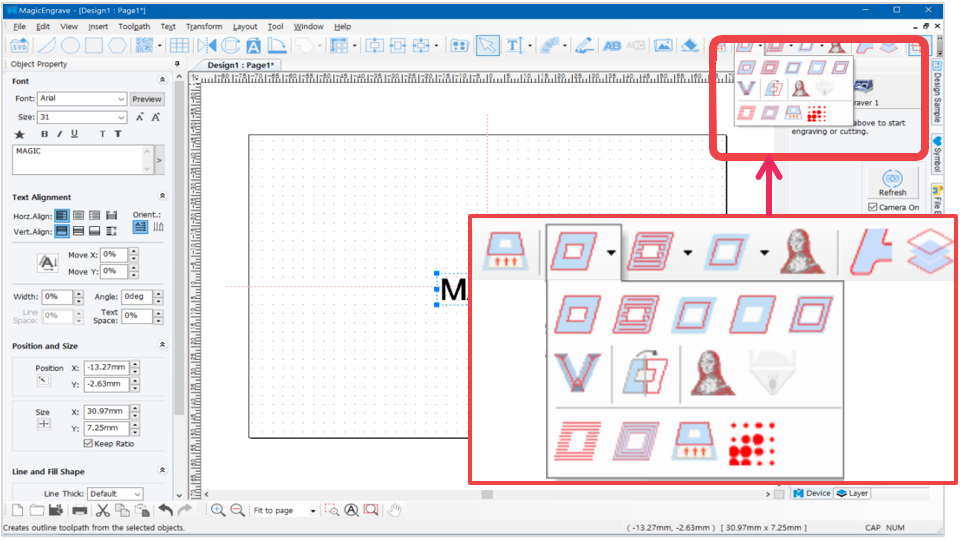
What is a Toolpath?
Toolpath is a path where the tool passes by for marking.
Toolpath is usually displayed in red color and the marking tool moves along the path as it engraves.
 |
[Cut-out toolpath] | Creates a toolpath that will cut out the selected object. The toolpath boundary will be wider than the boundary of the selected object depending on the thickness of the tool. *This toolpath must be used when cutting.  |
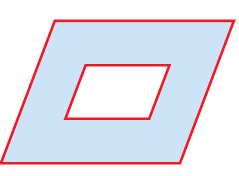 |
[Outline toolpath] | Creates a toolpath that will engrave the outline of the selected object. |
 |
[Hatching toolpath] | Creates a toolpath that will engrave the inside of the selected object. |
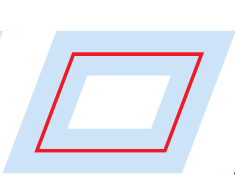 |
[Single line toolpath] | Creates a toolpath that will engrave the center line of the selected object.  “Single line toolpath” process may cause deviation on center line. It is recommended to use fonts with thinner lines to reduce deviation. |
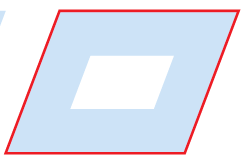 |
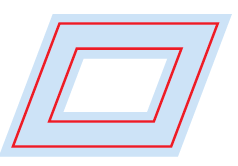
[Boundary-line toolpath] | Creates a toolpath that will engrave the boundary of the selected object. |
 |
[Inline toolpath] | Creates toolpath that will engrave inline of the selected object. The toolpath is created within the borders of the selected object. 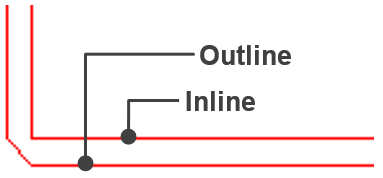 |
 |
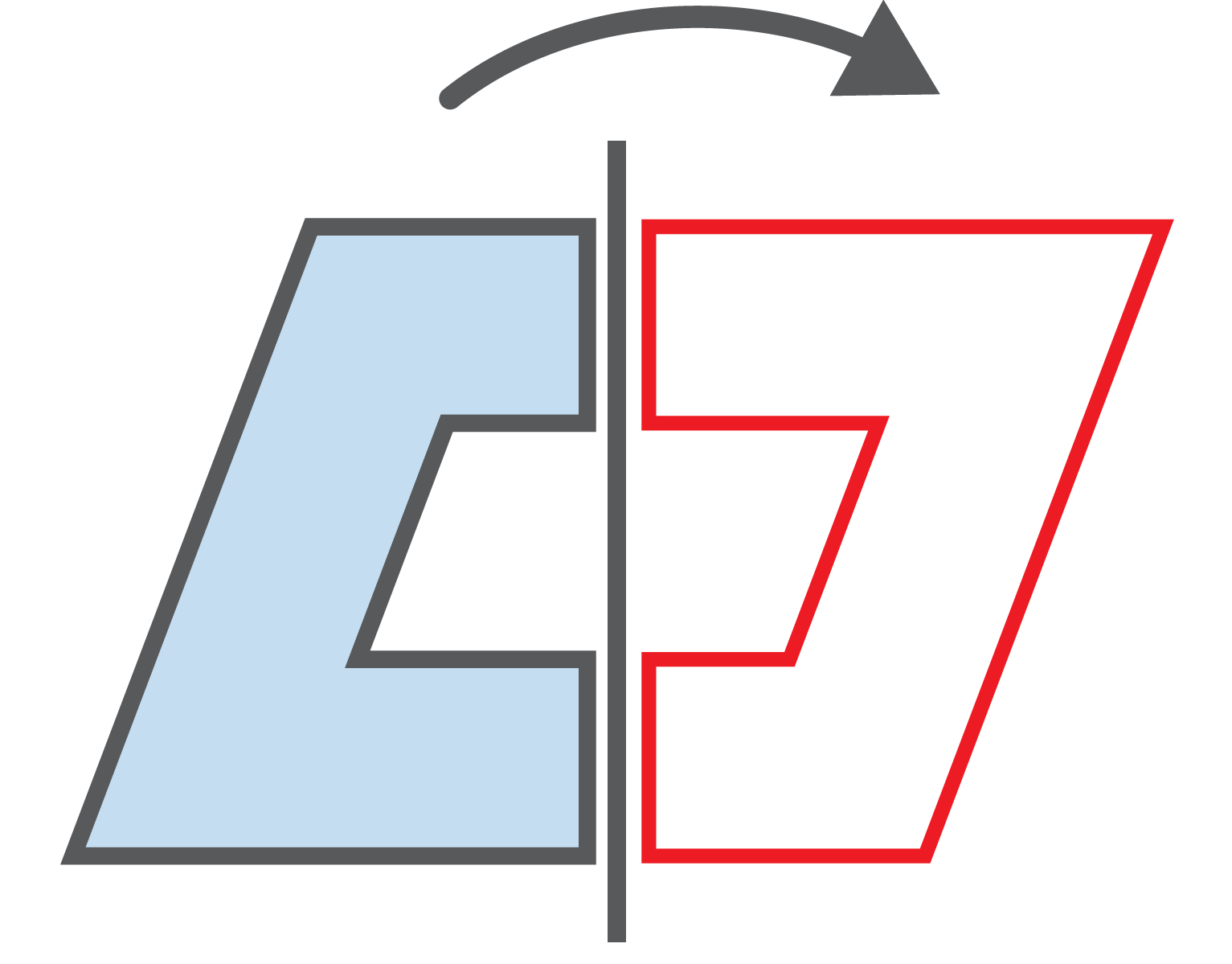
[V-cut toolpath] | Creates a toolpath that will engrave V-cut groove. |
 |
[Convert object to toolpath] | Convert the selected object to toolpath. It’s not necessary to set toolpath settings each time. It will be automatically set to its preset values. 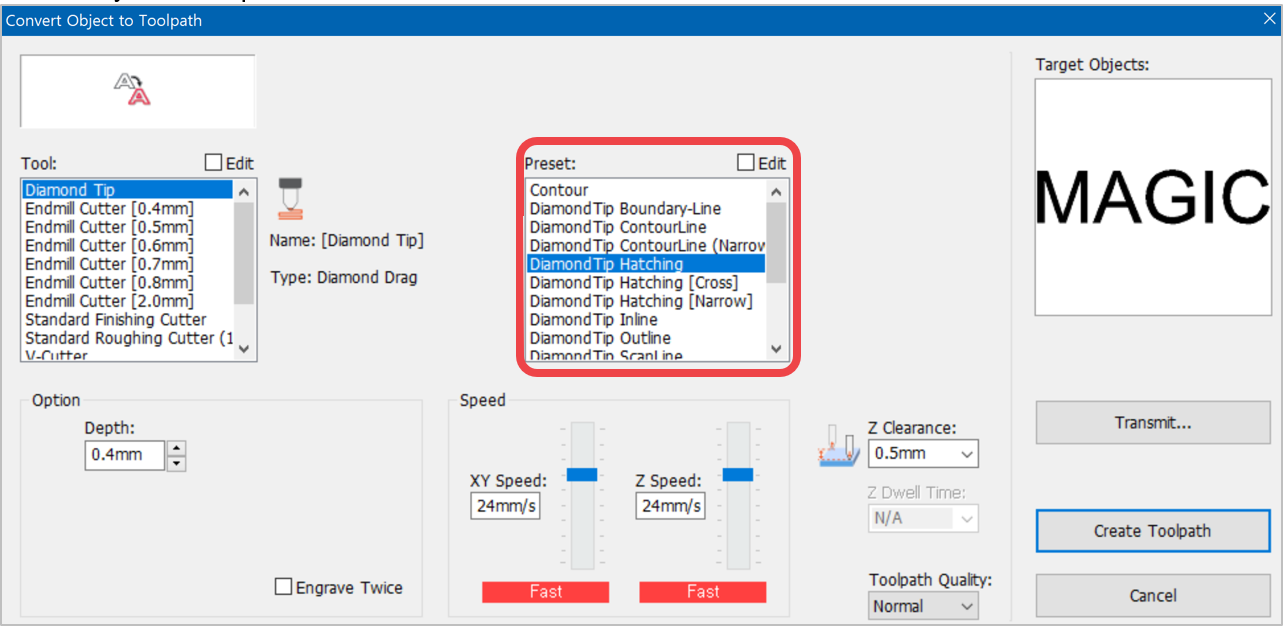 |
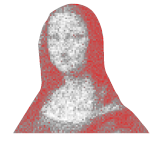 |
[Photo impact engraving toolpath] | Creates a toolpath that will engrave an image with dots.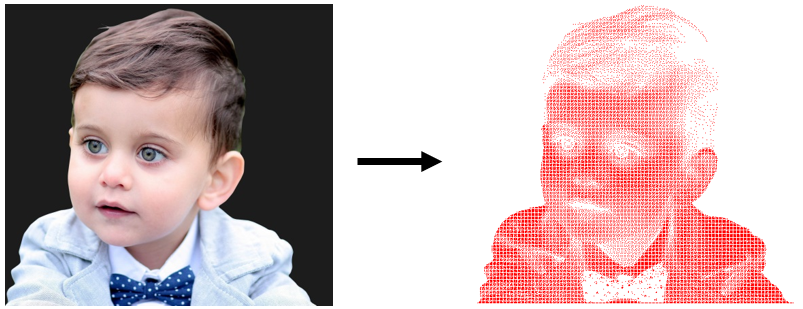 |
 |
[Scan-line toolpath] | Creates toolpath that will engrave inside area of the selected object’s boundary. “Scan line toolpath” may appear similar to “Hatching toolpath” but it is specifically used to engrave on logos, patterns or objects with larger areas.  |
 |
[Contour line toolpath] | Creates a toolpath that will engrave the selected object with contour lines. |
 |
[Photo halftone engraving toolpath] | This converts an image into a half-toned image and engraves the object in dots or horizontal lines using a V-cut tool. This process is only applied to engraving machines with rotating-spindle function like Magic E7, E4 etc. 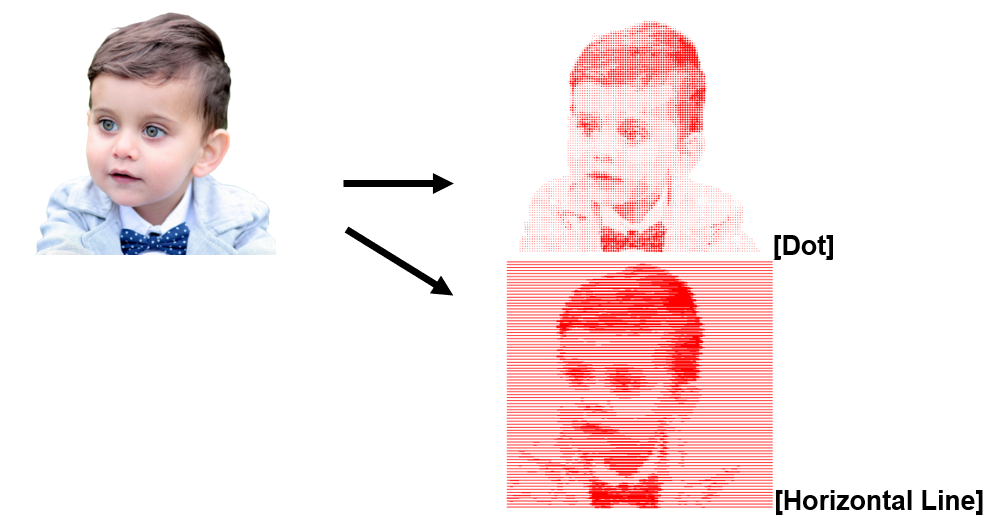  What is Half-toned Engraving? Half-toned engraving converts light and dark areas of a picture or an image into lines or dots in different sizes to express a fine image. |
 |
[Simulate toolpath processing] | Click this button to see the predicted image result of the toolpath processed by the selected tool. |
 |
[Show toolpath only] | Click this button to make the toolpath the only visible object on the screen (while all the other objects are temporarily hidden). Click this button again to reveal the other objects.  |