Select the text object to see its property. The property of the object will appear on the left side of the screen.
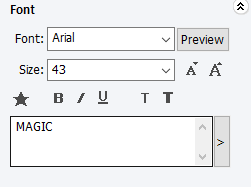
 [Font]
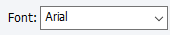
Designate font. Click “Preview” button or the arrow beside it to designate font.
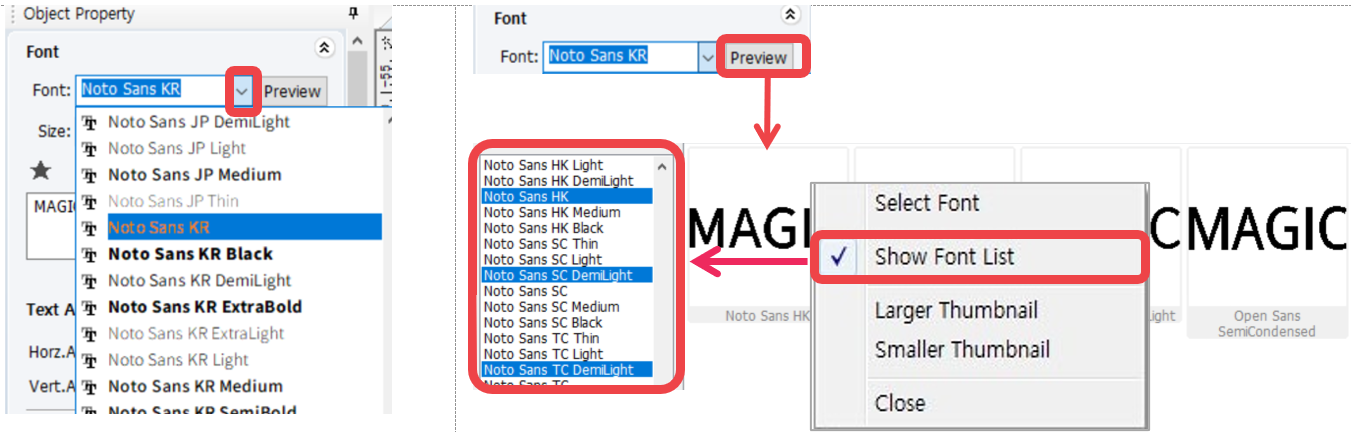
*Right-click the font preview window to see menu. Click “Show Font List” then designate the fonts to be shown in preview.
 [Size]
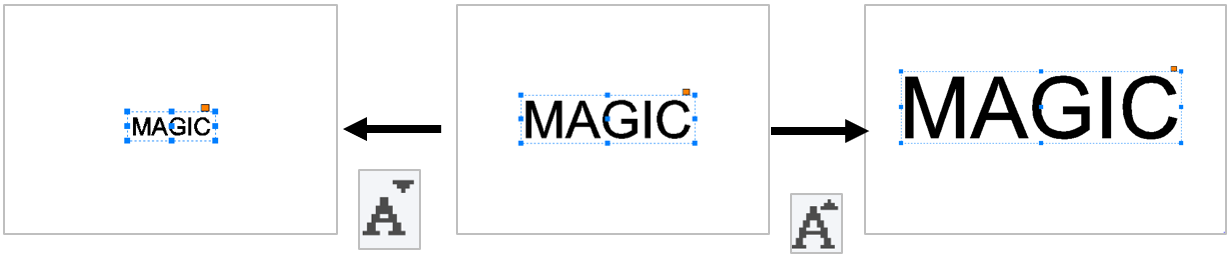
Adjust the size of the selected text. Click [Size] button to adjust the size of the font or the arrow beside it.
 [Bold]
Change text style to bold.

 [Italic]
Change the text style to italic.

 [Reduce or increase font weight by one level]
Adjust the weight of font.

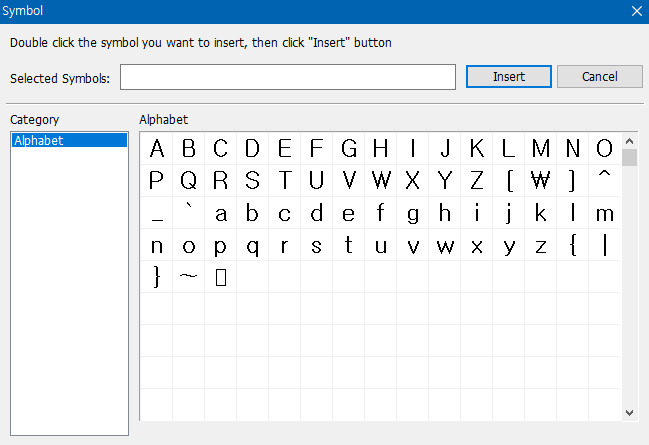
 [Symbol]
Insert symbols.
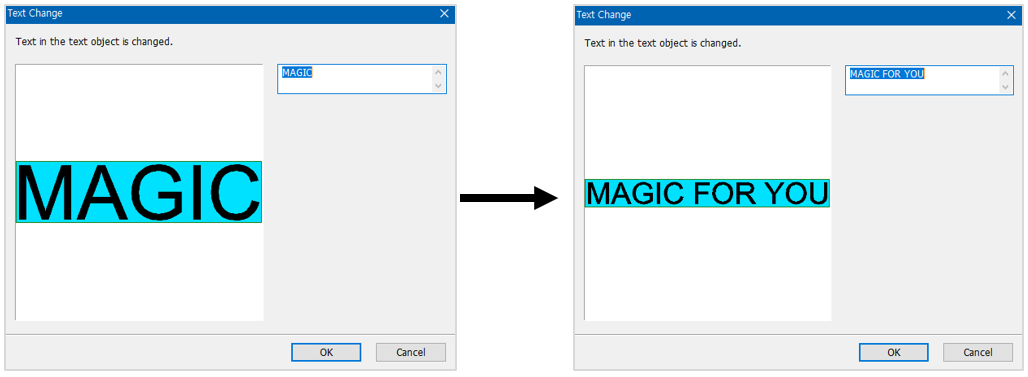
 [Text change]
Modify the entered text. Edit the text on the text field or click button to add long texts.
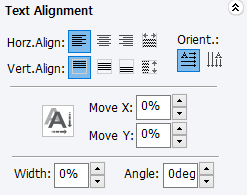 [Text Alignment]
 [Align to left] [Align to left] |
Align characters to the left in the text box.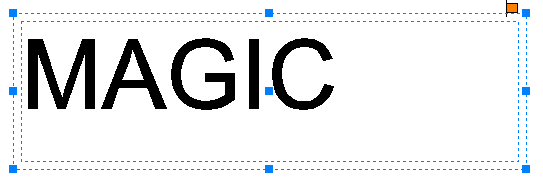 |
 [Align to center] [Align to center] |
Align characters to the horizontal center in the text box.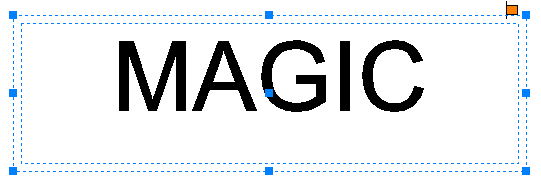 |
 [Align to right] [Align to right] |
Align characters to the right in the text box.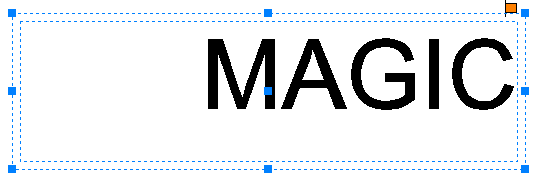 |
 [Both] [Both] |
Align characters evenly to both sides in the text box.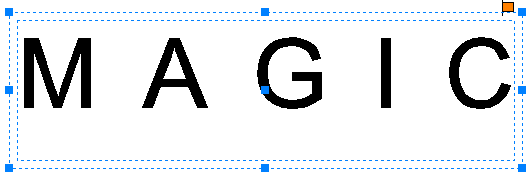 |
 [Align to top] [Align to top] |
Align characters to the top in the text box.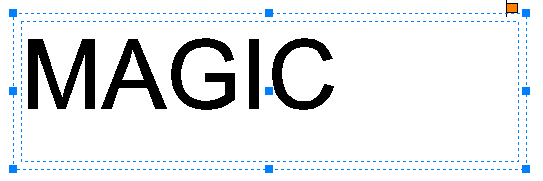 |
 [Align to center] [Align to center] |
Align characters to the vertical center in the text box.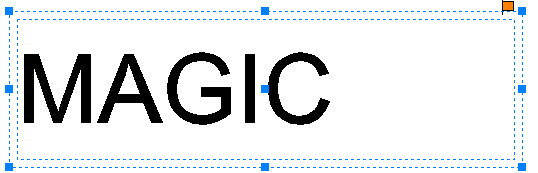 |
 [Align to bottom] [Align to bottom] |
Align characters to the bottom in the text box.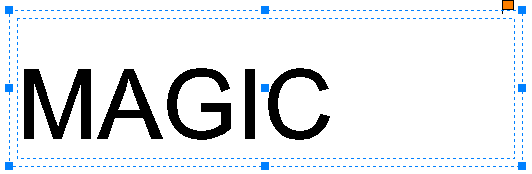 |
 [Horizontal text] [Horizontal text] |
Arrange characters horizontally.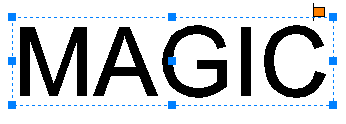 |
 [Vertical text] [Vertical text] |
Arrange characters vertically. |
 |
Move the selected character horizontally (left, right).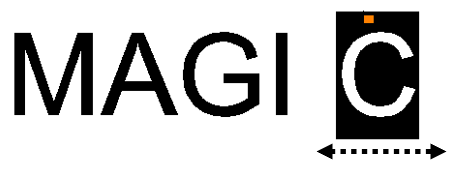 |
 |
Move the selected character vertically (up, down).  |
 |
Adjust the width of the selected character. |
 |
Rotate the selected character. |
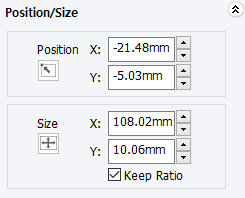 [Position/Size]
| Position | Designate the location of the selected object |
| Size | Designate the size of the selected object |
| Keep Ratio | Click “check” to maintain the same ratio for the object’s width and height. Click “uncheck” to adjust the object’s width and height separately. |
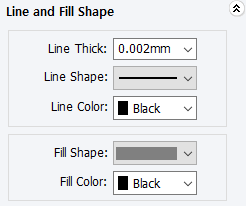 [Line and Fill Shape]
| Line Thick | Line thickness of the selected object |
| Line Shape | Line type of the selected object |
| Line Color | Line color of the selected object |
| Fill Shape | Color filled inside of the selected object |
| Fill Color | Shape filled inside of the selected object |