If the selected object is clicked once more, the mode will switch over to object rotation mode.
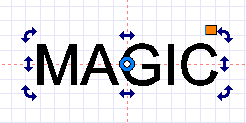
[Rotation]
 |
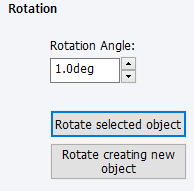
Designate the rotation angle of the selected object. Enter the desired angle of rotation or click the up/down arrow buttons. |
 |
Rotate selected object according to the angle entered. |
 |
Add a new object and rotate it according to the angle entered. |