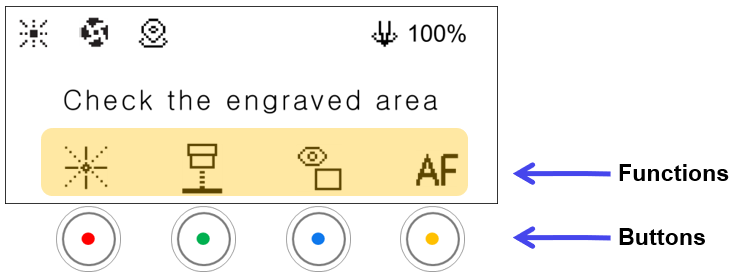
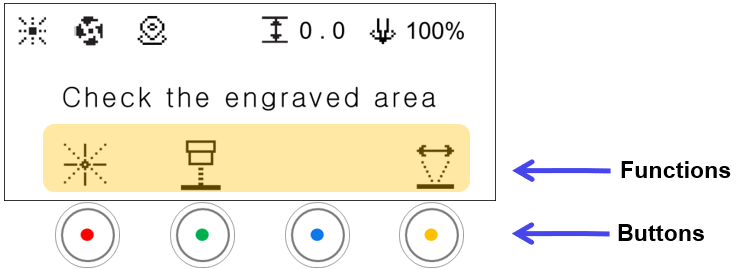

| Mode | ||
|---|---|---|
 |
Focus Pointer | [Displayed only in laser mode.] Brightness levels There are 4 levels of brightness control. Each time the button is pressed, the level changes as well as the level cycles. 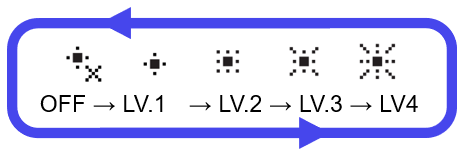 |
 |
Head Pointer | Turns the scan head center pointer ON/OFF. |
 |
Preview Toggle | [Displayed only in flat mode.] Switches the preview between a rectangle and an outline. |
 |
Auto Focus | [Displayed only in flat mode.] Measures the material height and moves to the focus position. The height is measured at the center position of the current work area. |
 |
Left/Right Area Movement Mode | [Displayed in rotary mode.] Changes the left/right area movement mode. Toggles between Work Area ↔ Vise.  |