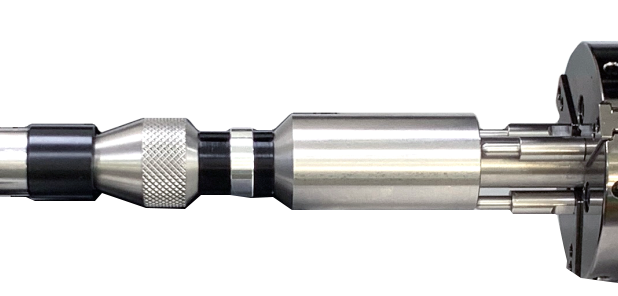
※Optional device; sold separately
Pen jig is used to firmly hold cylindrical materials in place. It is specifically used to avoid objects with cylindrical shapes such as pen, tumbler and wine glasses to tilt to one side during engraving process.
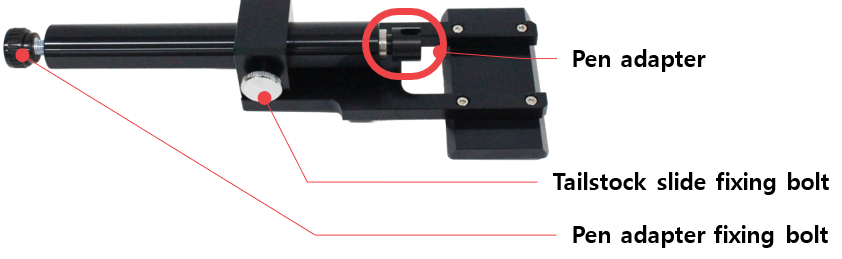
¶ Before using the pen jig
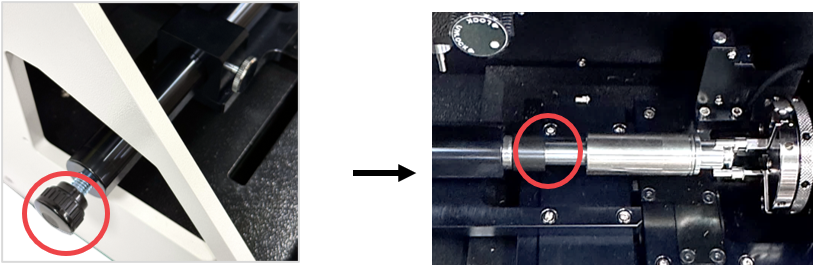
Removing the tailstock hole cover allows for a greater adjustment range when securing the pen jig.
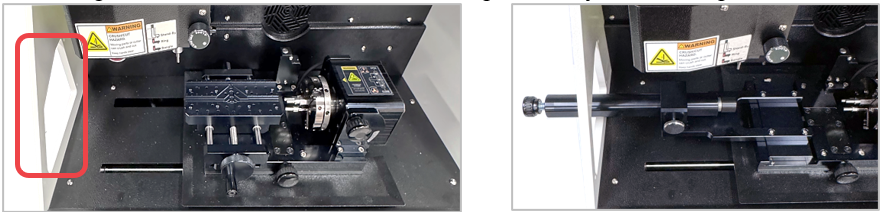
1. (With the multipurpose clamp removed) Secure the material in the flat chuck finger of the rotary clamp, then insert the pen jig.

2. Adjust the tailstock until it contacts the material secured in the rotary clamp, then tighten the tailstock slide fixing bolt to lock it in place.
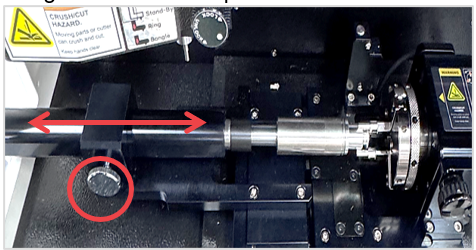
3. Turn the pen adapter fixing bolt to finely adjust the pen adapter and securely fix the material.
¶ Ring Adapter
※Optional device; sold separately.
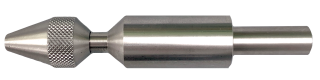
Ring adapter is used to secure the ring when engraving the outside of the ring. It is attached to the tailstock and the rotary clamp to firmly hold the ring in place during engraving process.
| Ring adapter (CP-241) |
|
1EA | For jig: To firmly hold rings in place when engraving the outside. |
| Collet for rings |  |
1SET | For size expansion: 9 types of collets are provided for different ring sizes. |
¶ How to set up the ring adapter
1. Turn the fixing nut counterclockwise to detach the ring adaptor.
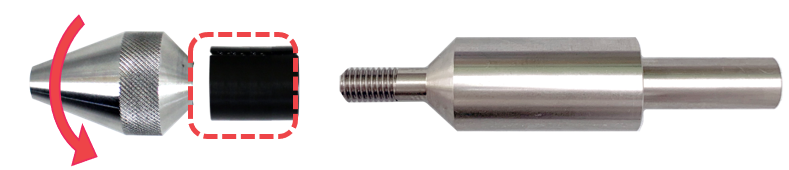
2. Insert the ring into the collet to match the size.
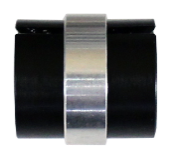
There are nine types of (expandable) collets available for different ring sizes.
3. Attach and secure the collet into the ring adapter by turning the fixing nut clockwise.
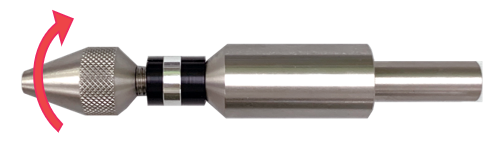
4. Loosen the chuck fingers by turning the rotary clamp then insert the ring adapter.