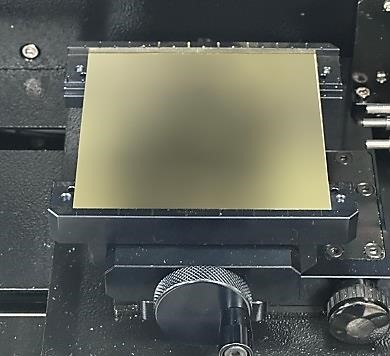
1. Place and secure the material on the clamp.
2. When attaching the tool, keep the length short as possible.
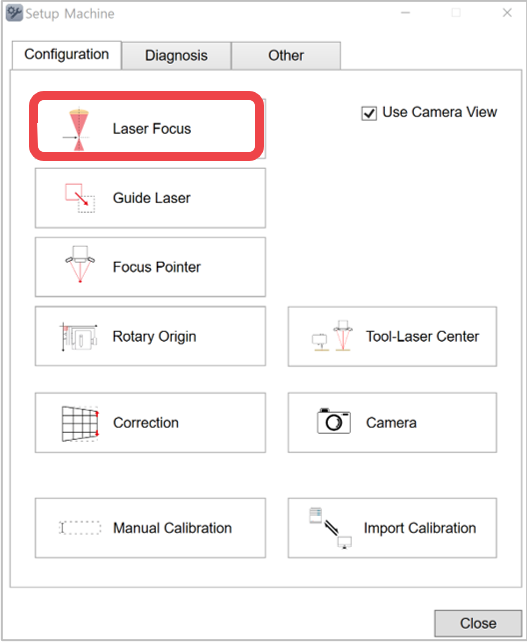
3. Click [Laser Focus].
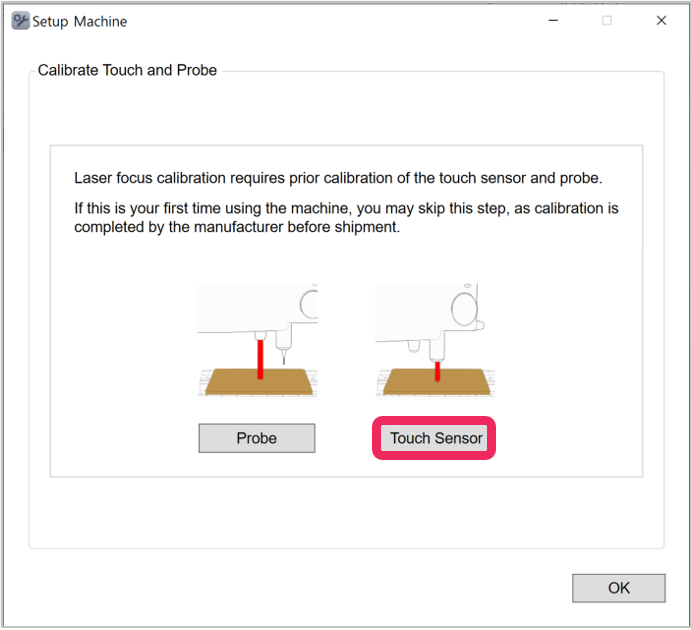
4. Click [Touch sensor].
5. The tool will be lowered and come in contact with the material and will be placed in the center of the clamp.
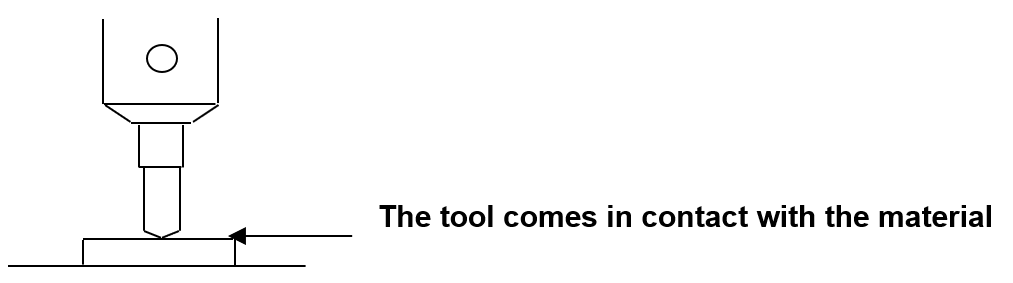
6. Lower the tool by using 
 buttons or loosening the fixing bolt of the tool with a wrench, or lift the material with your hand to make the tool and material come in contact as shown in the picture below.
7. Long-press and hold  button (for more than 3 seconds) until it beeps to confirm that the setting is saved then the tool will measure the material’s height.