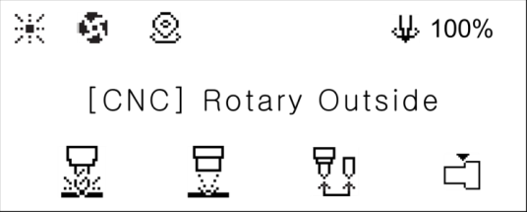
1. To enter the [Ring Outside] mode, press [Finger Mode] button.
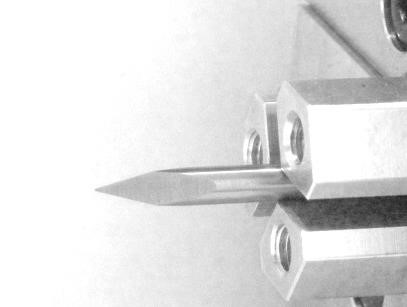
2. Set the sharp tool into the rotary chuck as shown below.
3. Press 


 button to switch to [Move mode-Rotary].
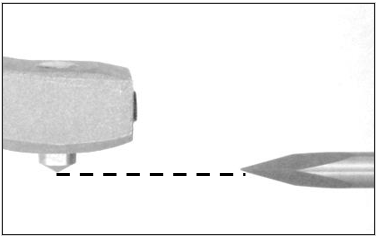
4. Use buttons to horizontally align the tip of the engraving tool to the tip of the blade (as shown below). Use buttons to adjust the distance between tools. Be sure the tips are closer to each other.
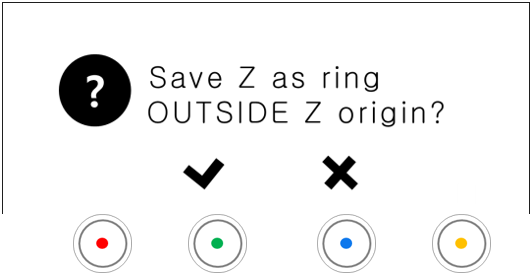
5. Press the  button to display save confirmation on the LCD window.
- Short press button: Temporary save (message guide X)
- Long-press and hold button (for more than 3 seconds): Permanent save
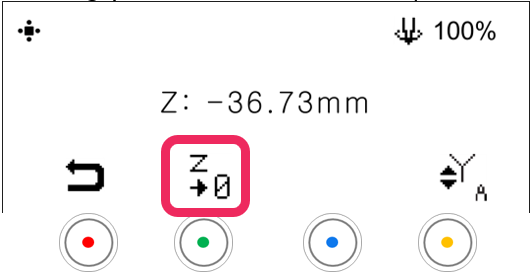
6. Press the button to save the setting.
7. After tool measurement is completed, the Z origin for OUTSIDE is saved.
Repeat the same procedure to set the INSIDE.