Match the laser focus to the height of the material to increase accuracy when marking.
There are four stages involved when calibrating the laser focus. On each stage, the head moves according to the distance specified in the previous stage and the movement interval shortens.
[How to calibrate laser focus]
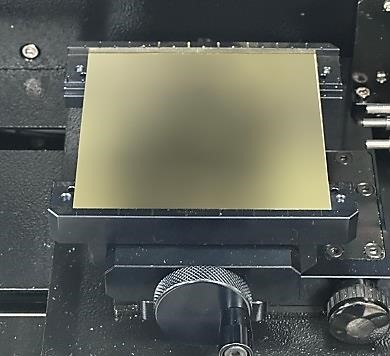
1. Place the material on the work area. Prepare material that is at least 80 mm (3.15 in) wide and 40 mm (1.57 in) tall.
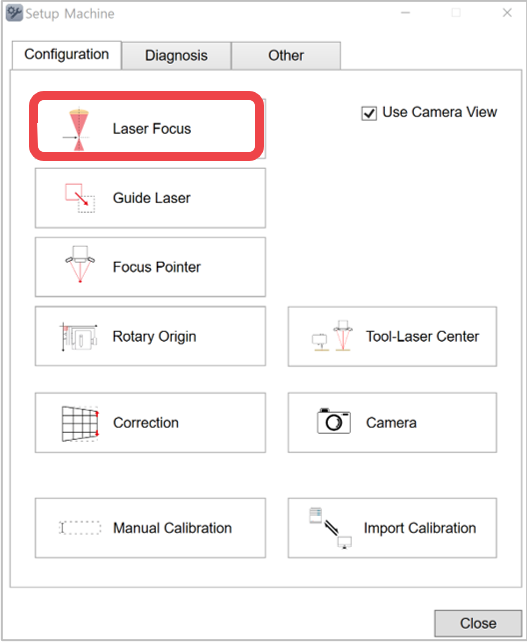
2. Click [Laser Focus].
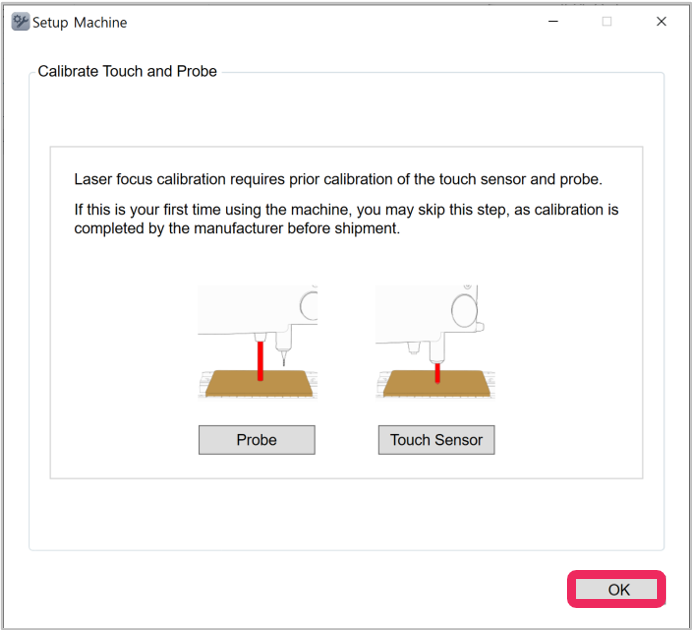
3. Click [OK].
4. Read the notification displayed on the screen then click [Next]. Read the instructions that will appear on the screen then enter the height of the material.
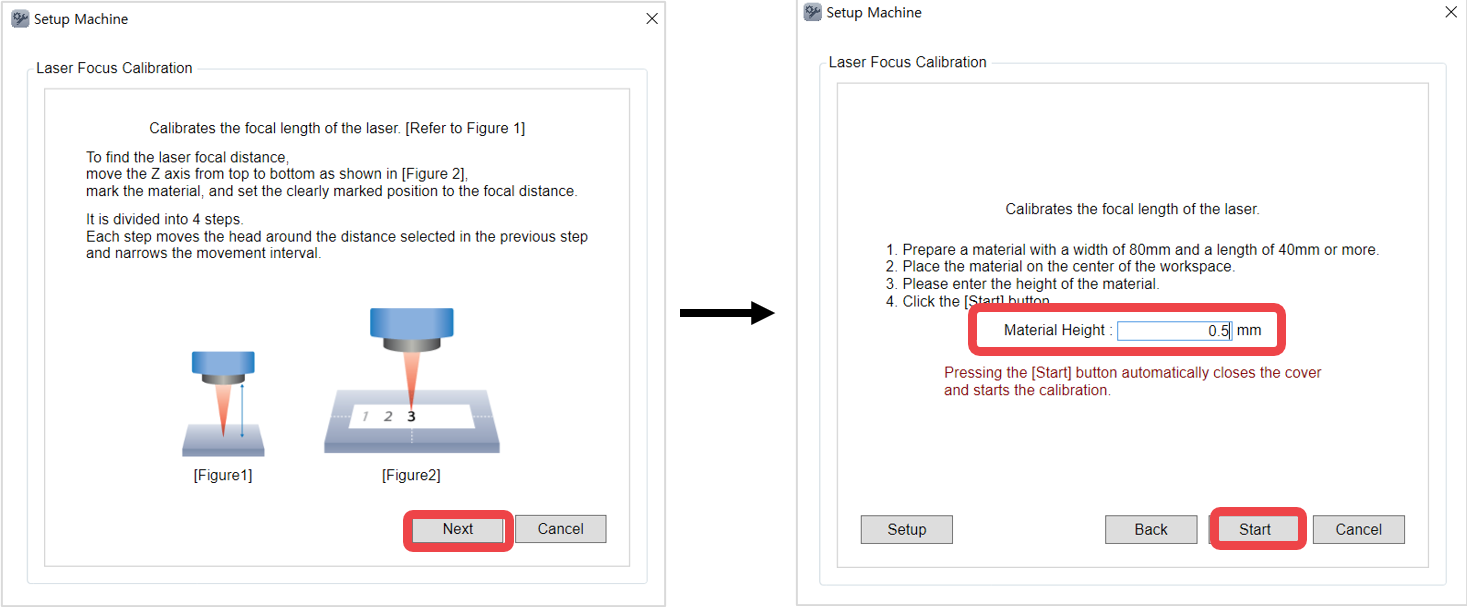
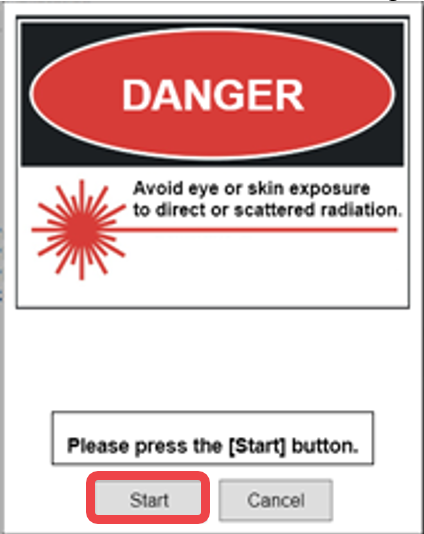
5. Be sure to read the warning notice first before clicking [Start].
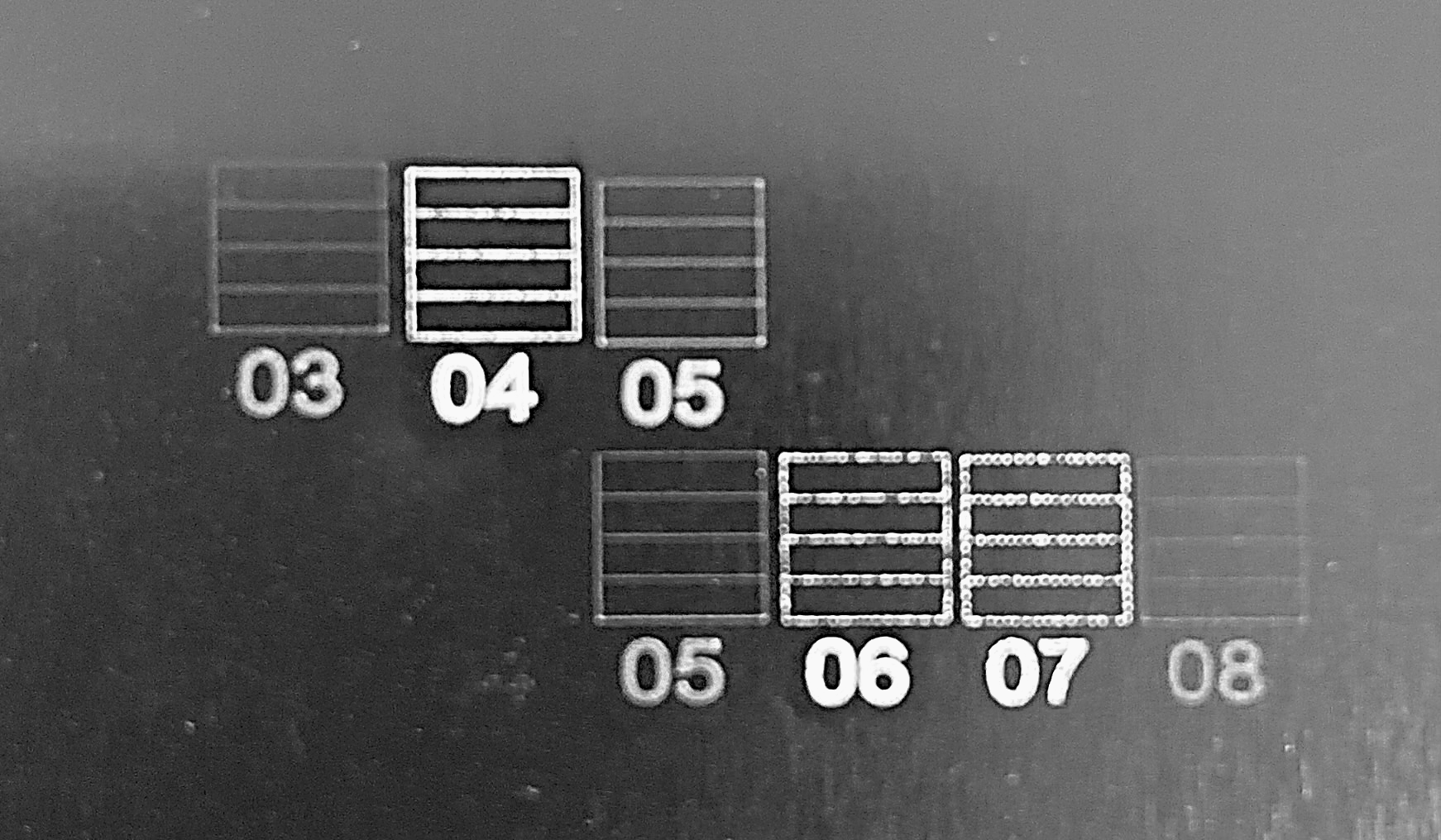
6. The numbers and circles are engraved on the material with a laser.
Numbers 01~10 are engraved, and the numbers may vary depending on the laser focus.
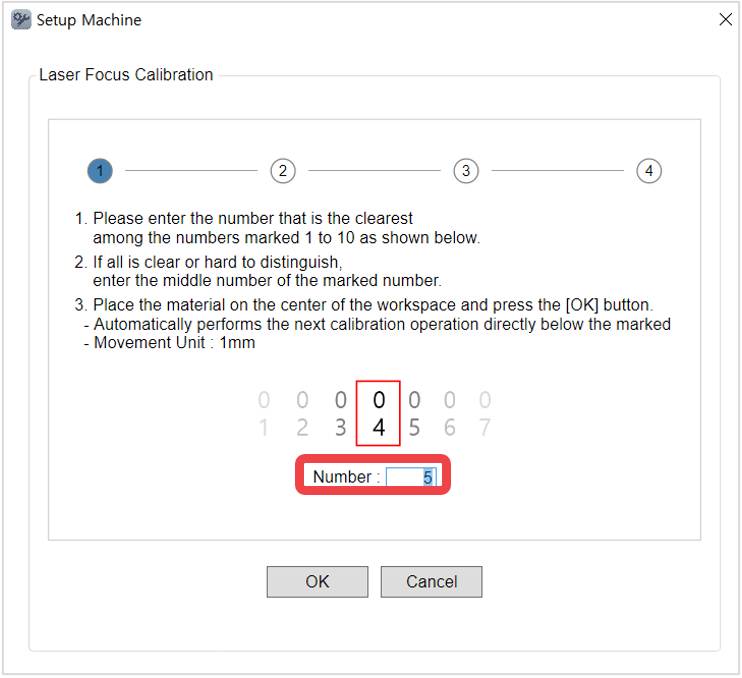
7. In [Setup Machine] window, enter the median number among the engraved numbers then click [OK].
For example, if the engraved numbers are 01, 02, 03, 04, 05, 06, 07, 08, 09, 10 enter the median number ‘05’ (or the number in the middle) then click [OK].
8. Repeat [step 5] and [step 6] four times to complete laser focus calibration with optimized option.