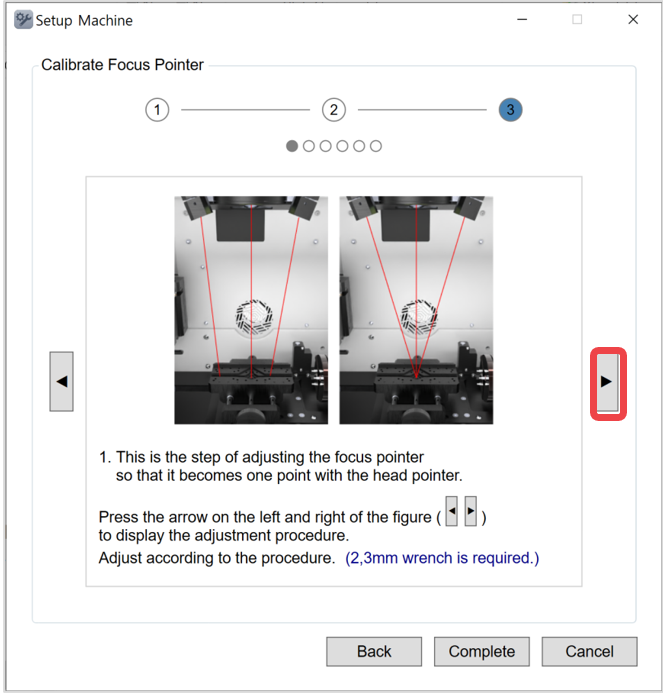
Adjust the position of the head laser and V laser pointer.
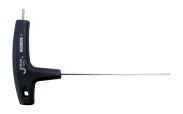
| T-wrench(2mm) (CP-T20) |
 |
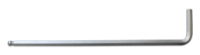
| L-wrench(3mm) (CP-L30) |
 |
1. If a material is secured in the pendant clamp, remove it and fully tighten the clamp.
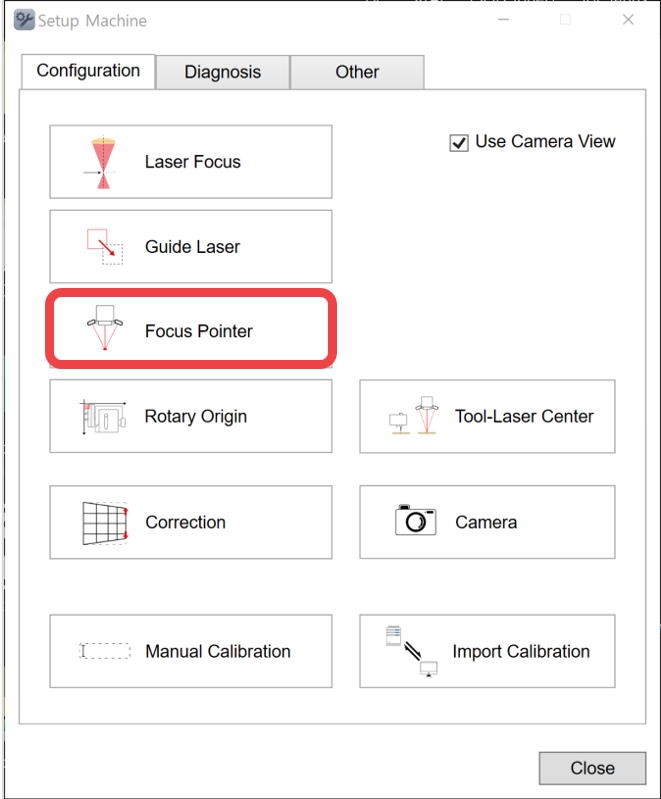
2. Click [Focus Pointer].
3. Position the head laser to the center of the work area. Use the direction key buttons to position it to the center. Then, click [Next].
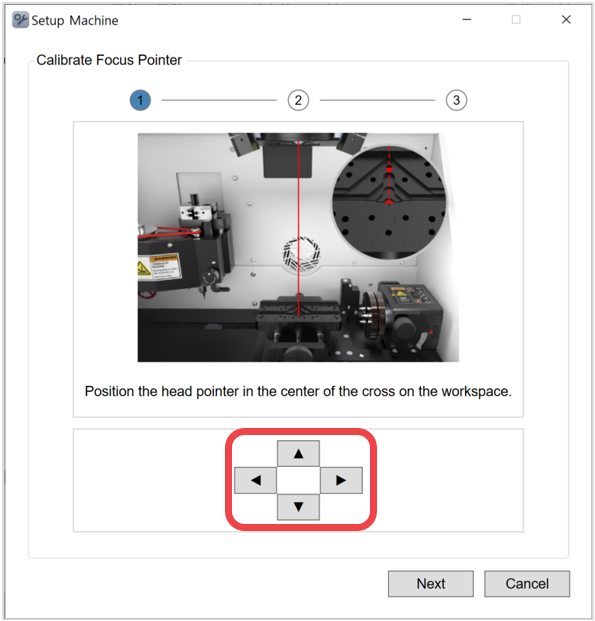
4. Place the flat material on the work area and enter the thickness. Then, click [Next].
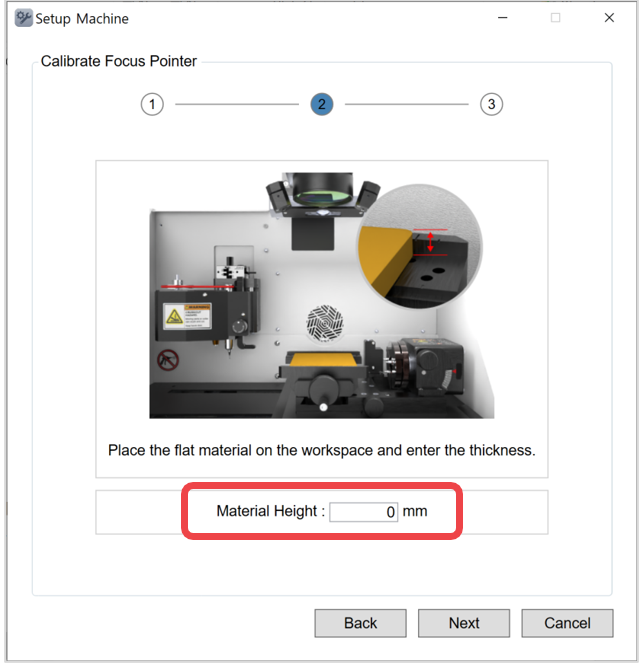
5. P Click ▶ button on the right to proceed in sequential order. ※Use a 2,3mm wrench. Take note that the setting process involves 4 steps. Be sure to proceed with both left and right pointers in the same process.