※Optional device; sold separately
¶ How to install the front cover
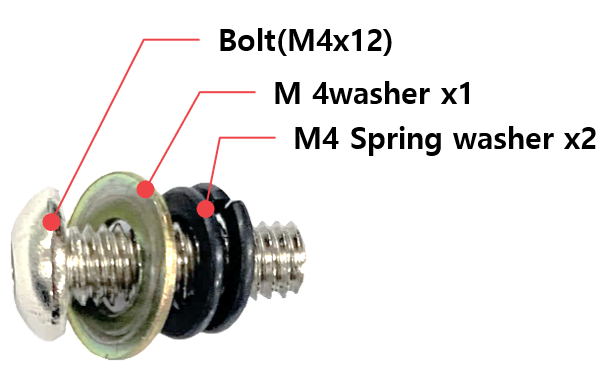
- Set the [Bolt (M4x12) – M4 Washer – M4 Spring washer x 2] in order.
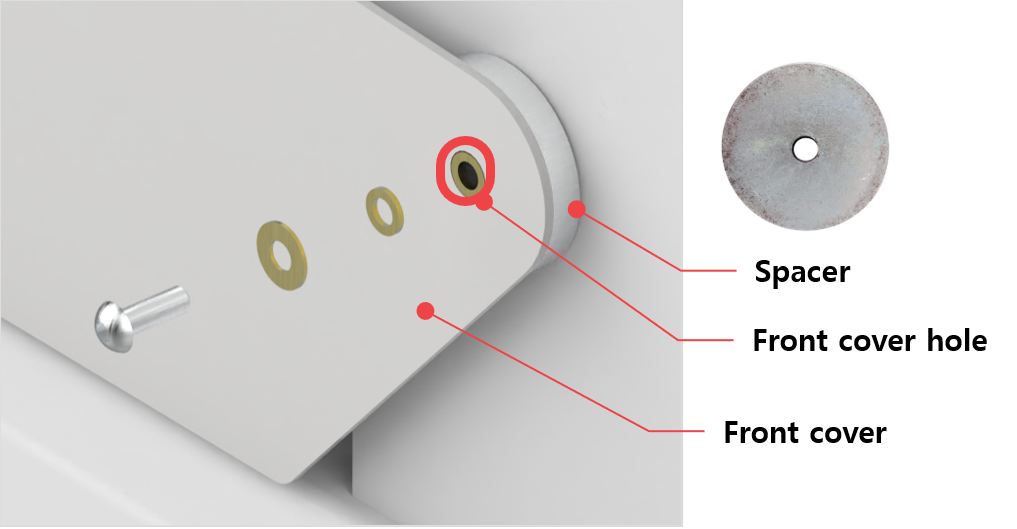
- Secure the [step 1] with spacer. Secure the spring washer so that it fits into the front cover hole.
- Secure the cover stopper with bolt (M4x6).
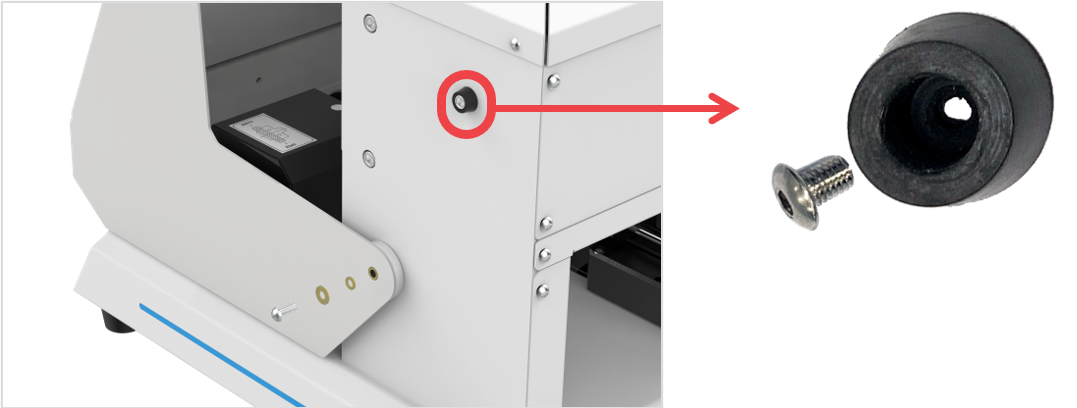
- Secure the other side in the same way.
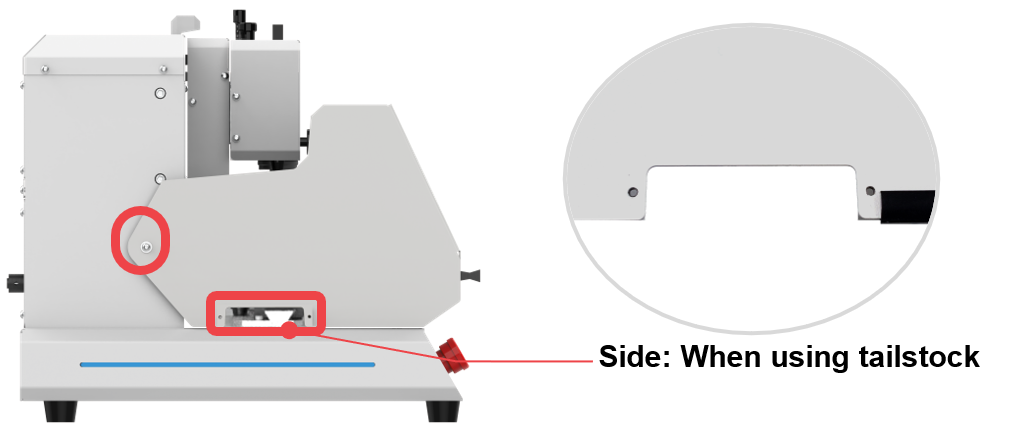
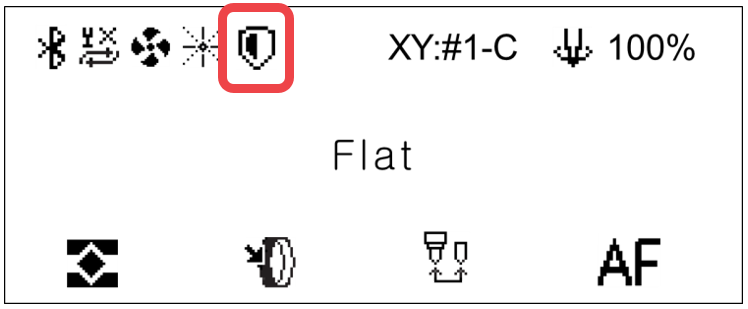
5. To enable Front Cover function, press  button on the keypad to enter [MENU]. Then, select [11. Front Cover] option on the menu. Front Cover icon will be displayed on the LCD screen (as shown below) once it’s activated.
- Check the positioning of the head and the clamp. Front Cover open and close function is disabled when the head is positioned at the right end (of the machine) and the clamp at the front.
¶ How to position the head and the clamp
-Standby mode: Press  button on the keypad to move the head and the clamp to a position where the Front Cover can be opened and closed.
-Auto-positioning of the head and the clamp: The head and the clamp are automatically positioned upon completion of initial marking (i.e., when the engraving operation is completed).