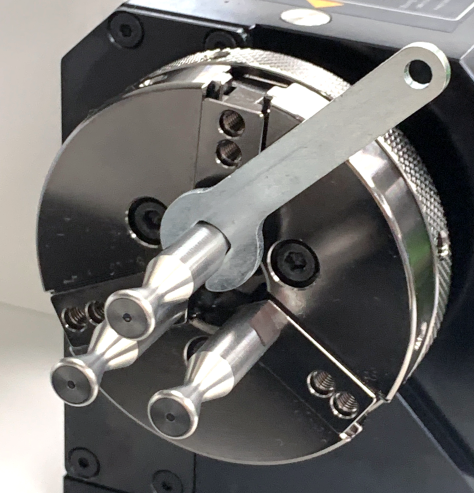
※Basic Installation
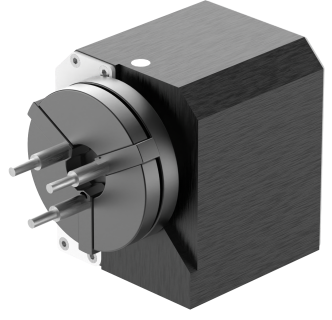
MAGIC™-S7’s package includes a rotary clamp that is used for engraving the inside and outside of a ring.
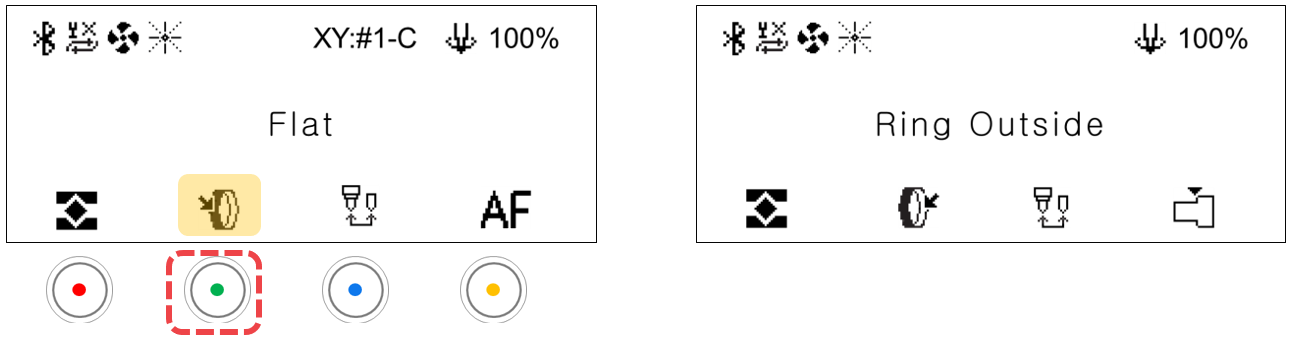
¶ How to activate ring engraving mode
Press the rotary clamp button to activate ring inside/outside engraving mode.
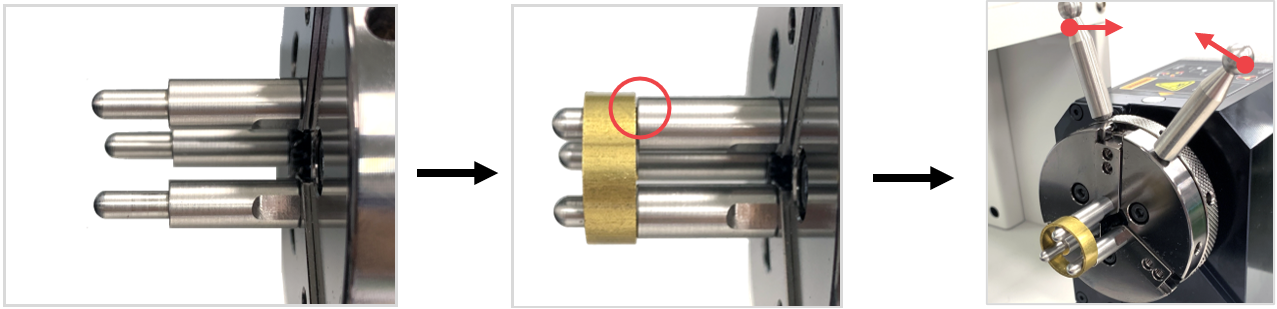
¶ How to secure the ring in place
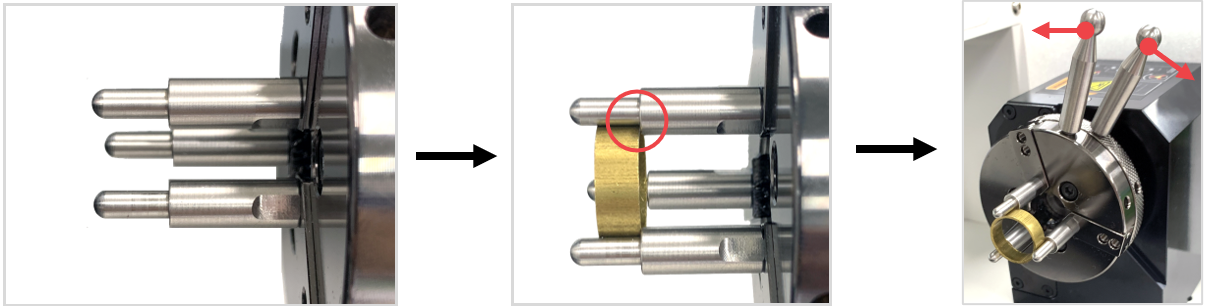
When engraving the outside
Place the ring onto the finger chucks. Rotate the rotary clamp to outward-inward directions to lock and secure the ring in place. Make sure that the ring is firmly attached and locked so it won’t fall off or spin during operation.
When engraving the inside
Insert the ring in between the finger chucks. Rotate the rotary clamp to inward-outward directions to lock and secure the ring in place. Make sure that the ring is firmly attached and locked so it won’t fall off or spin during operation.
¶ Finger Chuck Types
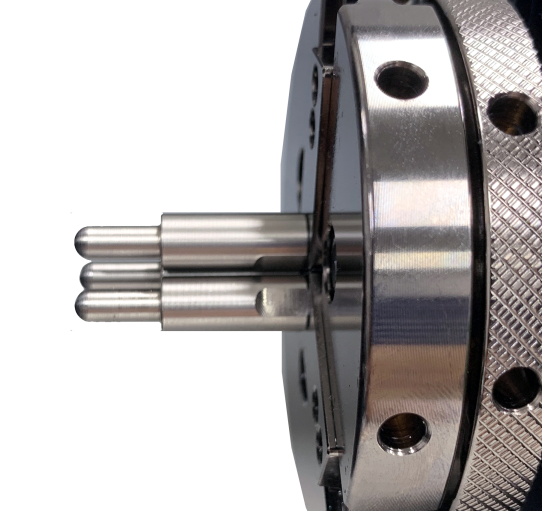
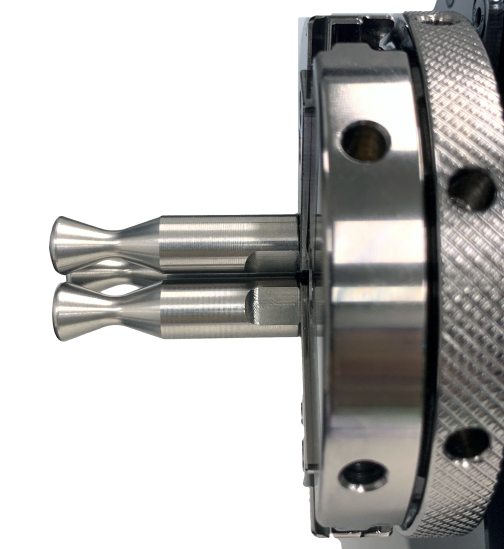
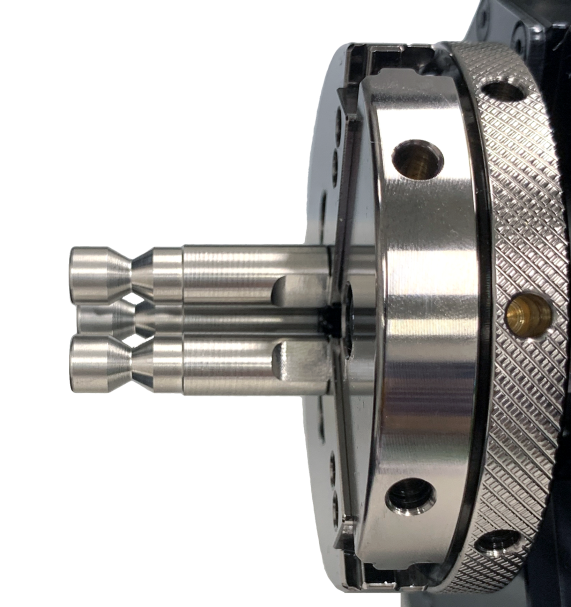
There are three types of finger chucks available to match the shape and size of the ring.
 |
 |
 |
| Flat chuck finger ※Included in the package |
Round chuck finger (wide) ※Included in the package |
Round chuck finger (narrow) ※Sold separately |
¶ How to replace finger chucks
Choose the appropriate finger chucks for your ring. Insert the finger chucks into the holes then fasten them tightly with the use of a finger chuck spanner. ※The finger chuck spanner is included in the package.