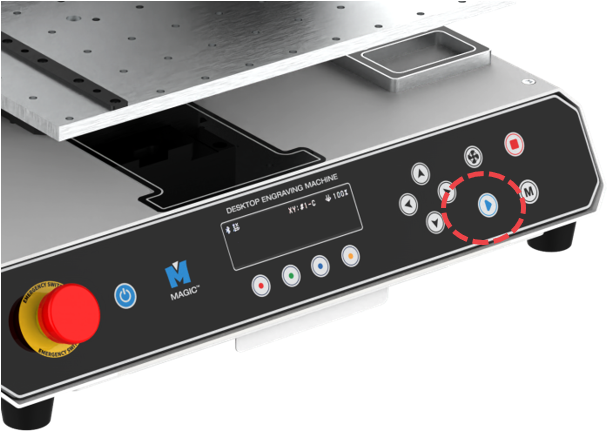
MAGIC™-S4 performs self-diagnosis upon turning ON. During self-diagnosis, the machine checks the following in order:
¶ 1. Self-diagnose Procedures
- If a certain axis is detected by the sensor, it moves away from the detected area.
- Checks probe sensor and returns to the Origin point
- Checks Z-axis sensor and returns to the Origin point
- Checks Y-axis sensor and returns to the Origin point
- Checks X-axis sensor and returns to the Origin point
- Confirmation sound and standby
If no problem is found, it goes into standby mode with a confirmation sound.
¶ 2. Marking Procedures
1. Turn on the marking machine.
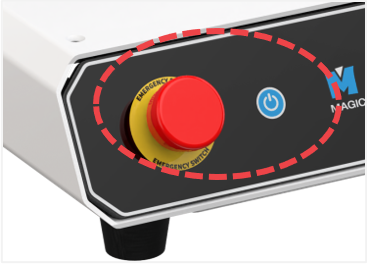
※ If the machine does not turn on, check the emergency switch.
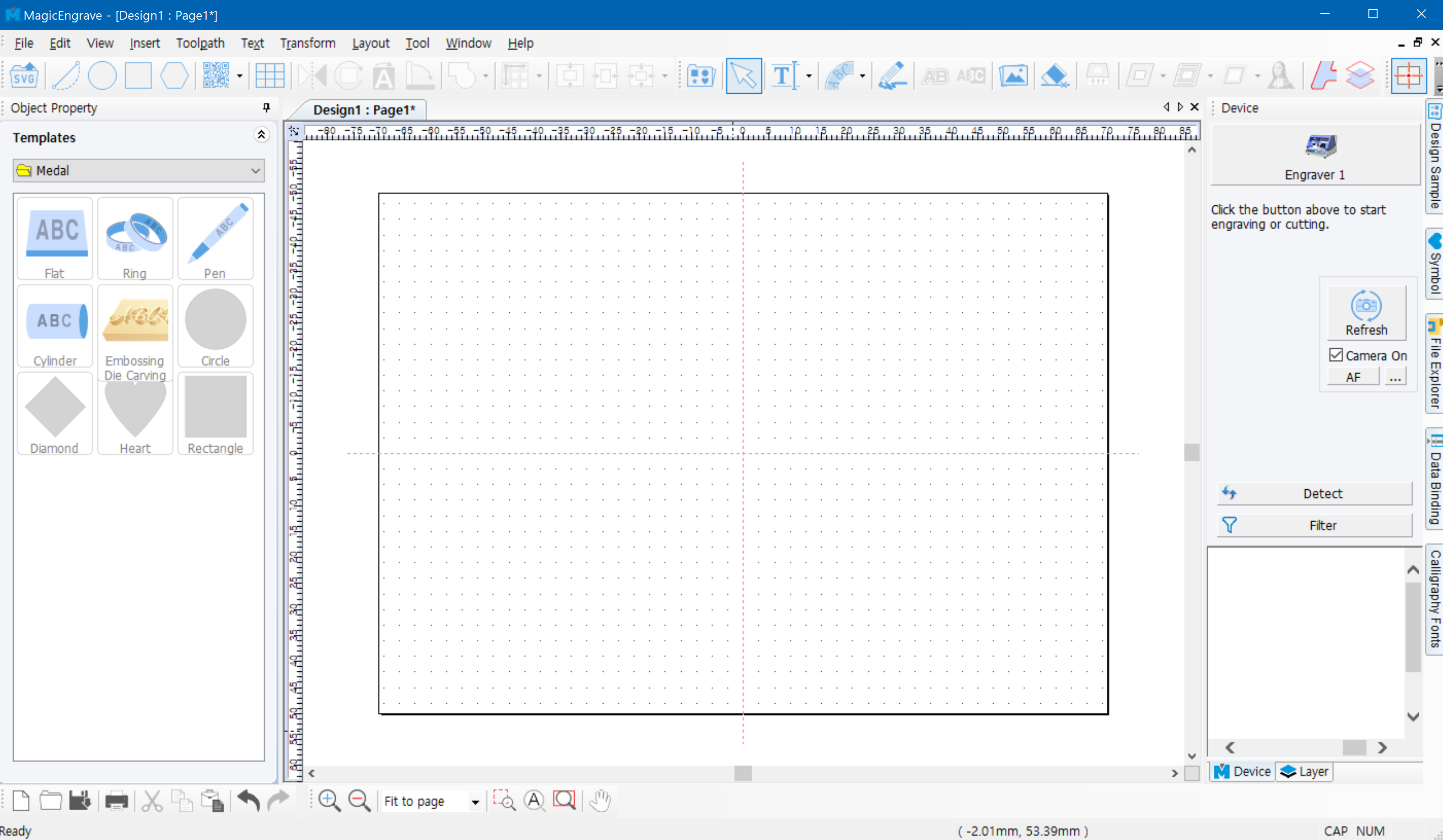
2. Run the program to connect it to the machine.
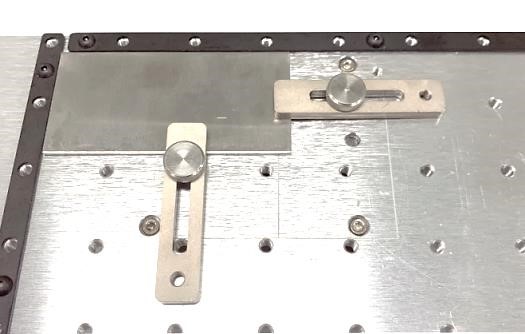
3. Place your material on the flatbed.
4. Make your design then create a toolpath.
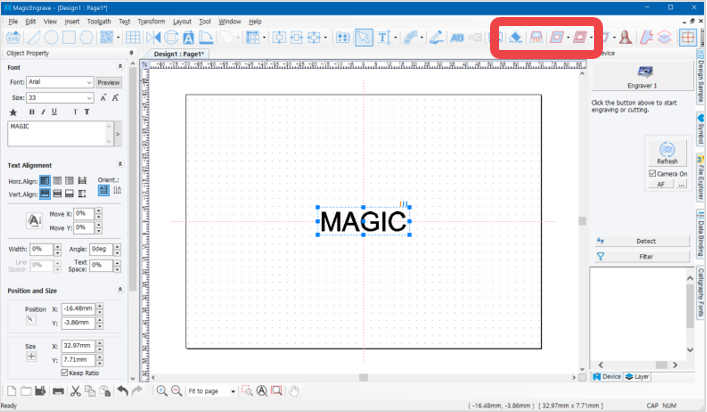
5. Click the [Machine] button to send the marking data.
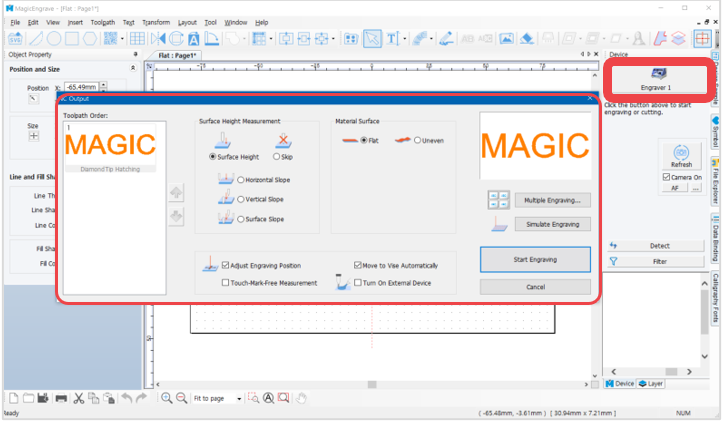
6. Press start  button on the machine to begin the engraving process.