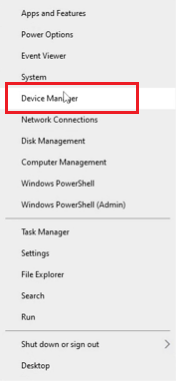
- Open Device Manager
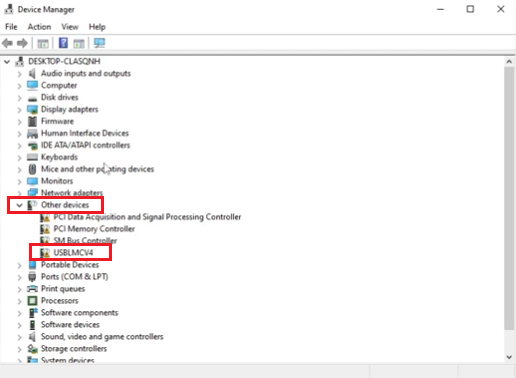
- In Device Manager, find “USBLMC” under “Other Devices"
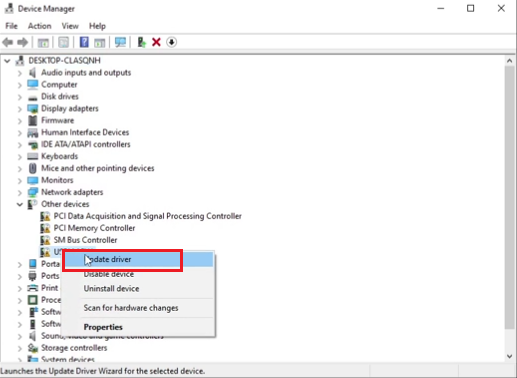
- Hover over “USBLMC,” then right-click and Click the “Update Driver”
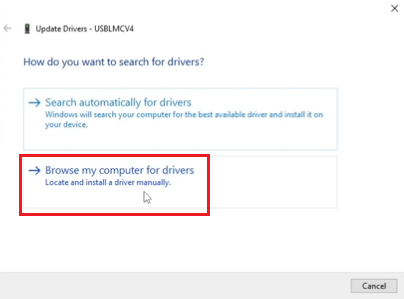
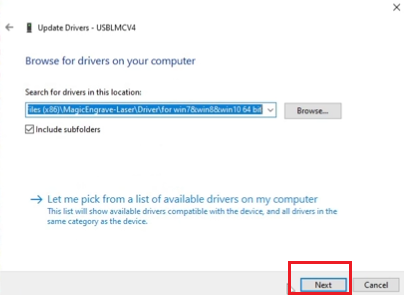
- Click the “Browse my computer for drivers”
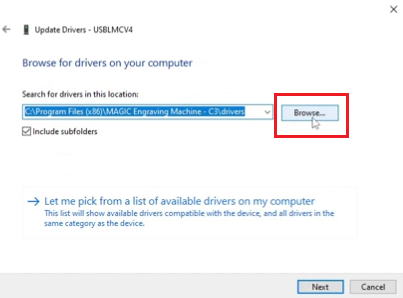
- Click the “Browse”
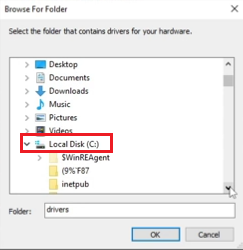
- Click the “Local Disk (C:)”
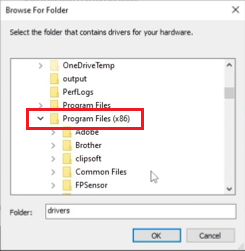
- Click the “Program Files (x86)”
- Click the “MAGICEngrave-Laser”
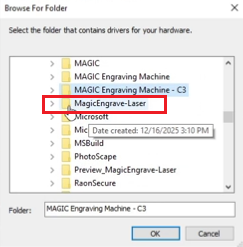
- Click the “Driver”
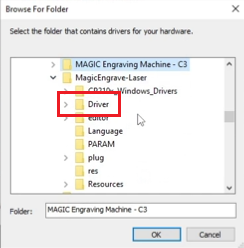
- Click the “for win7 & win8 & win10 64bit”
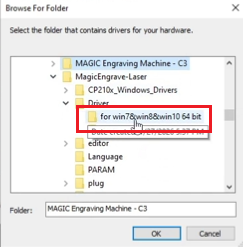
- Click the "OK" button
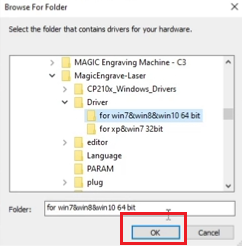
- Click the "Next" button
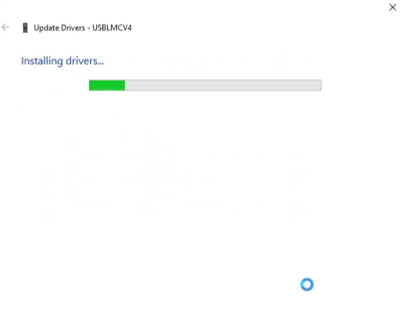
- Installing drivers
- Click the "close" button
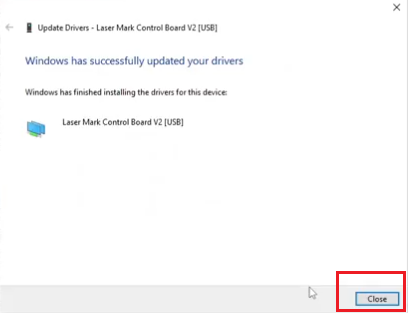
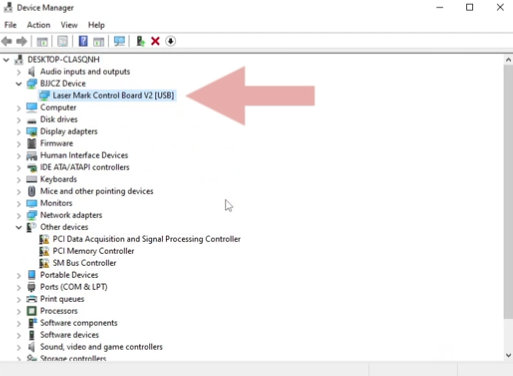
- Check that it is properly connected.