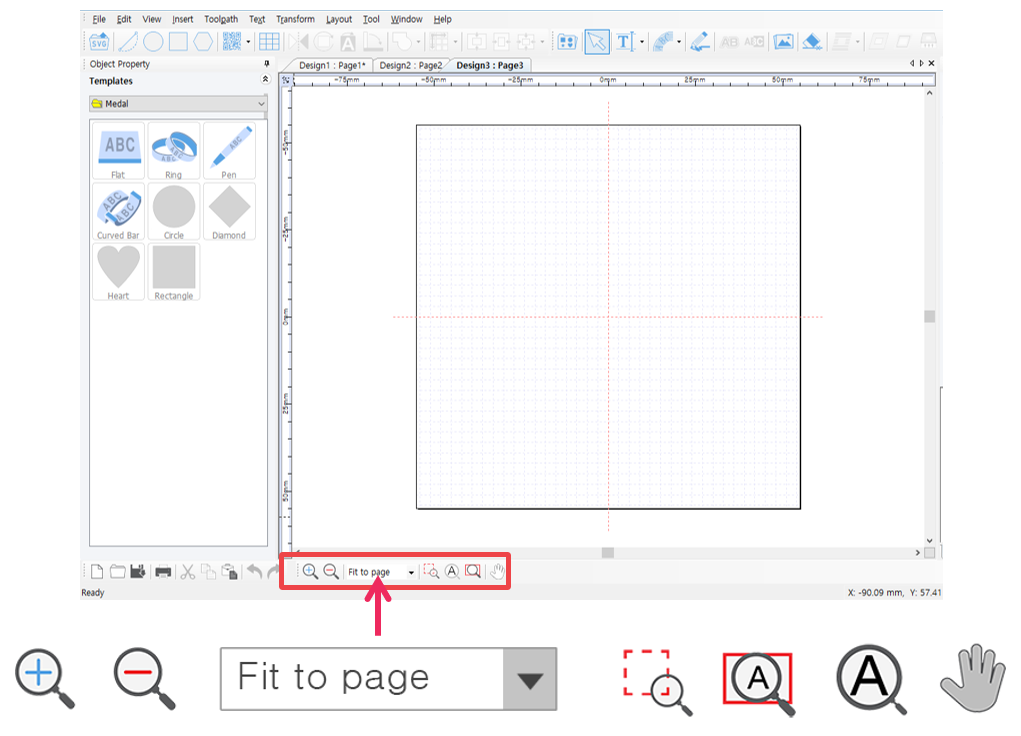
 |
[Zoom in] | The screen appears much larger and nearer.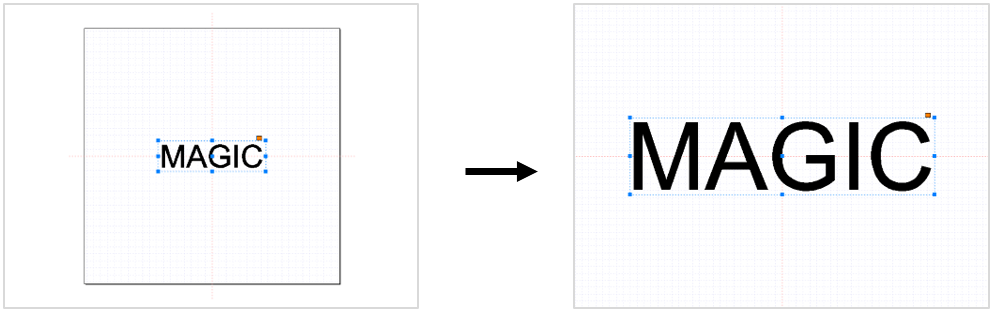 |
 |
[Zoom out] | The screen appears much smaller and farther.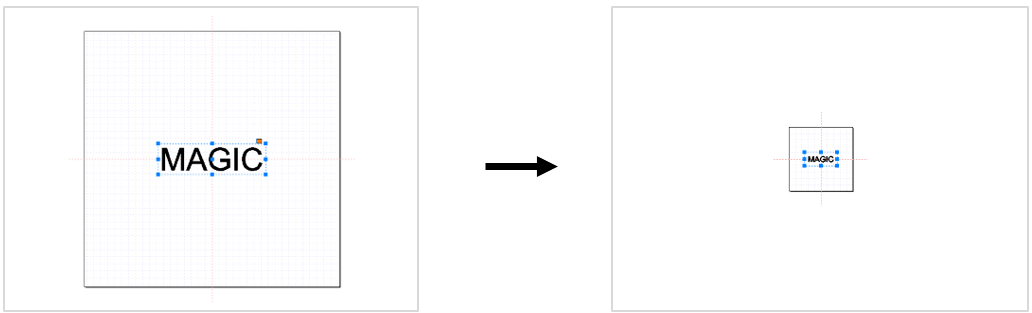 |
 |
[Zoom in/out ratio] | Select the desired screen ratio. The size of the screen will appear base on the selected ratio.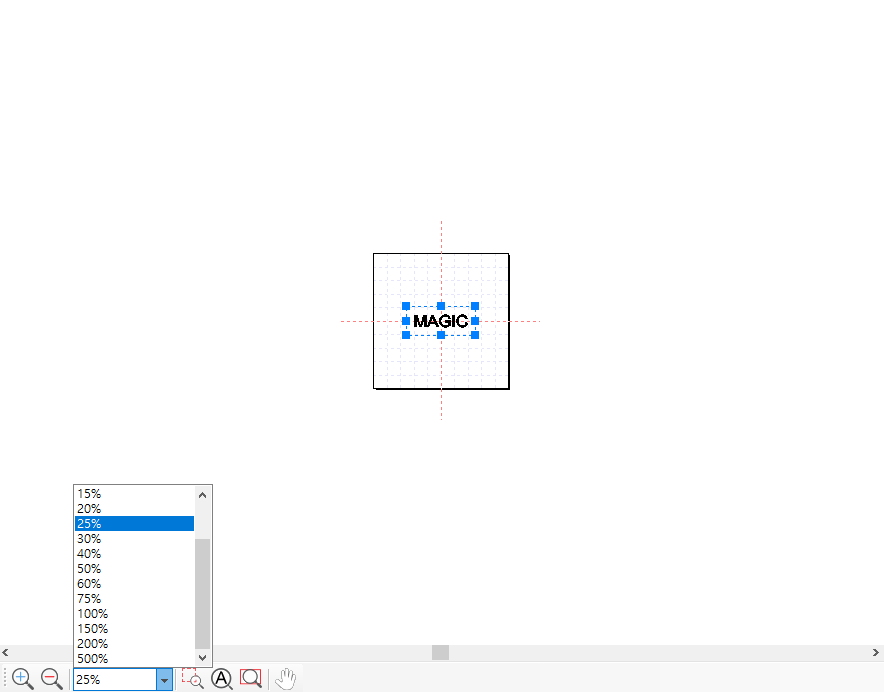 |
 |
[Magnifier] | Select a certain spot on the object then hold and drag the mouse to enlarge it.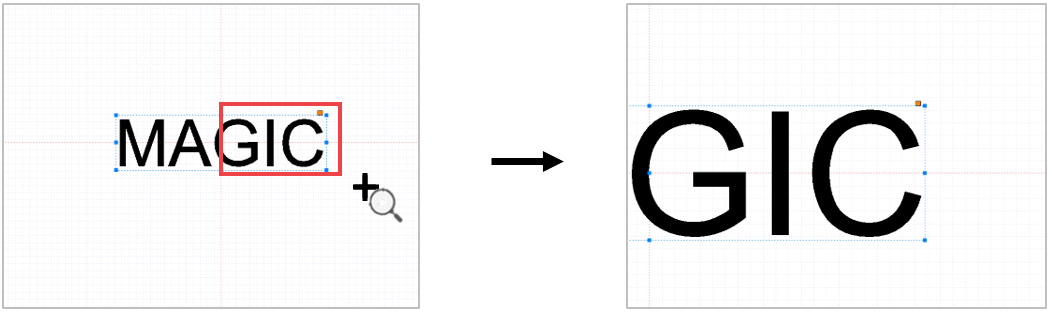 |
 |
[Fit to object] | Enlarge the object to fill in the screen.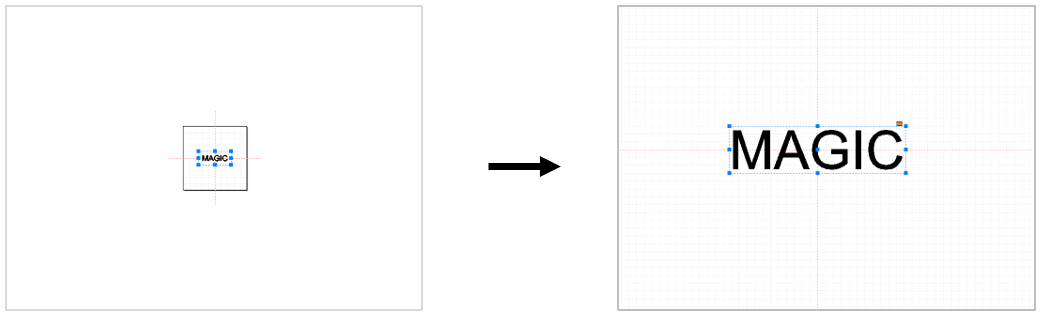 |
 |
[Fit to page] | Adjust the page size to see the whole work area.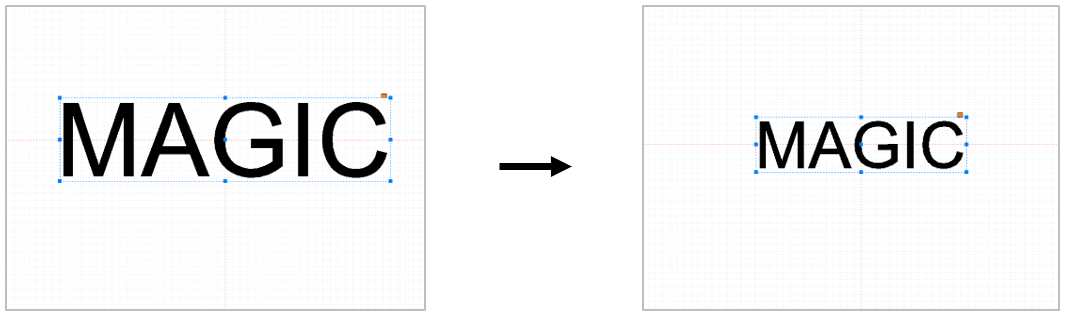 |
 |
[Panning] | Drag the screen with the mouse to move it.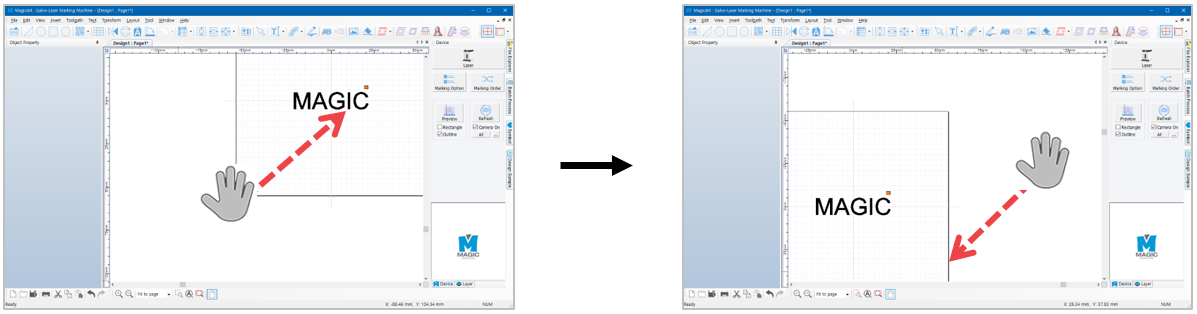 |