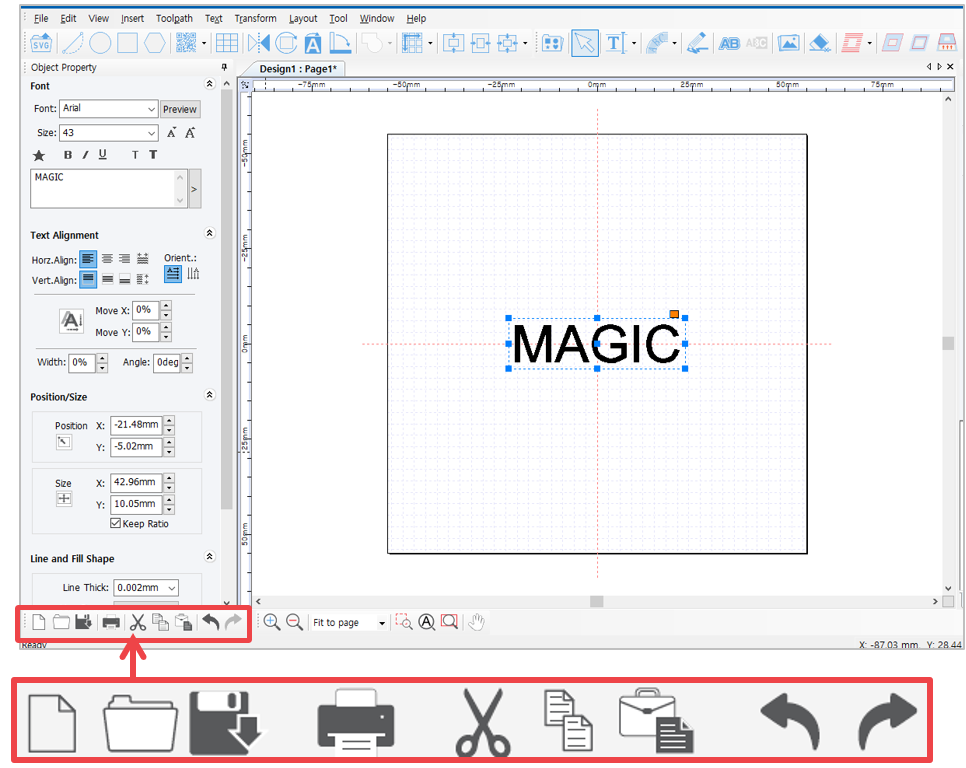
 |
[New document] | Open a new page. 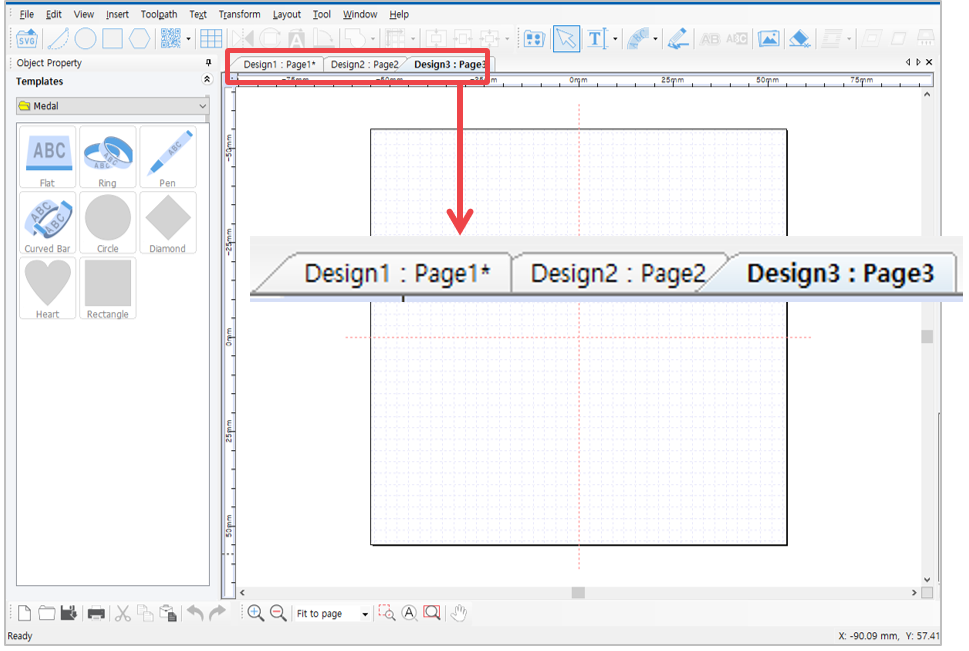 |
 |
[Open] | Open a file in “*.dgn” file format. Select a file on the “Open” window and click [Open] button. |
 |
[Save document] | Save the design created on program as “*.dgn” file format. Choose the location (folder) in which the file will be saved then enter the file name before clicking [Save document] button. |
 |
[Print] | Print the design created on program. |
 |
[Cut] | Cut the selected object. Click [cut] button on the menu or press Ctrl+X on the keyboard. 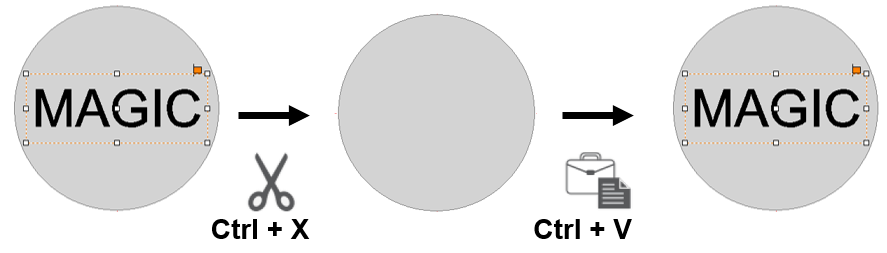 |
 |
[Copy] | Copy the selected object. Click [Copy] on the menu or press Ctrl+C on the keyboard.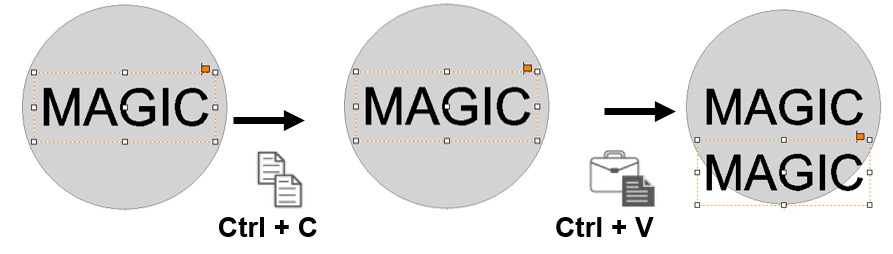 |
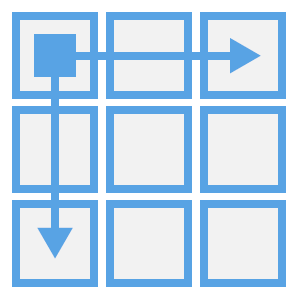 |
[Duplicate Horizontally or Vertically] | To multi-copy the same object at once.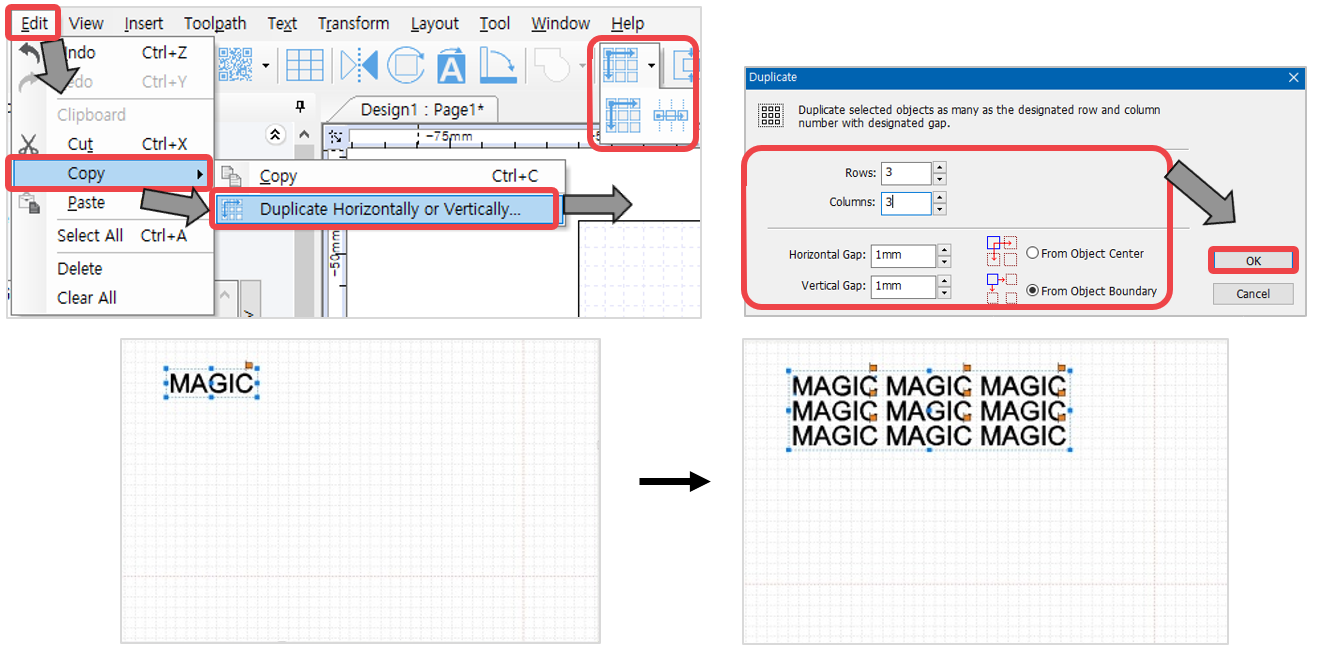 |
 |
[Paste] | Paste the cut or copied object. Click [Paste] button on the menu or press [Ctrl+V] on the keyboard. |
 |
[Undo / Redo] | Undo: To reverse the action recently done. Redo: To restore the action that was previously done. **Go to [Menu] → [Tool] → [Option] → [General] to adjust the number of undo action. 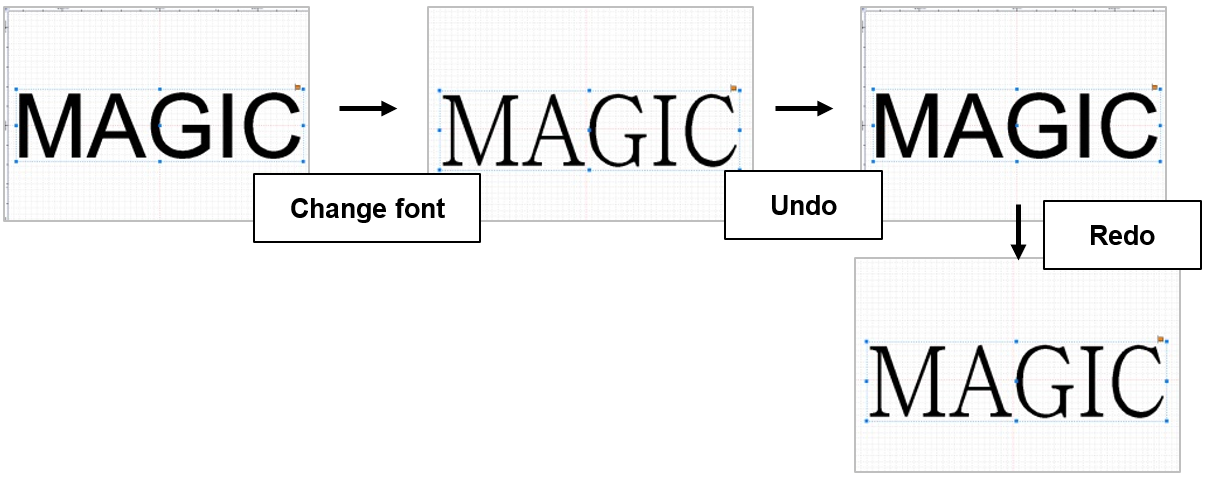 |