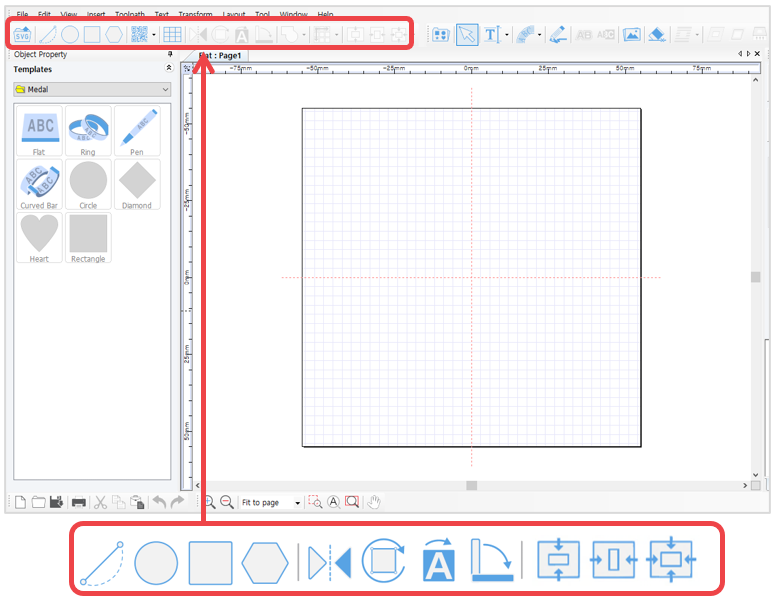
 [Line/Curve]
 |
Click a certain point then hold your mouse and drag to make a dot line appear. Designate the distance then right-click to create a straight line. Then, press “Ctrl” key on the keyboard and move the mouse to create a horizontal line or a vertical line. |
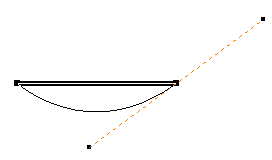 |
Click a certain point and designate a distance. Hold your mouse and drag to make a curve appear. Right-click to create a curve. |
 [Circle/Oval/Pie]
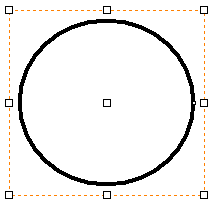 |
Click the work area then hold your mouse and drag to designate the size of a circle. Press “Shift” key on the keyboard then drag your mouse to create a perfect circle. |
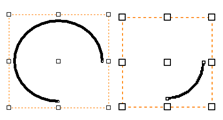 |
Click "Art" button on the circle object property window to convert to arc. The start/end of an angle of an arc can be assigned, or adjusted by dragging the start/end with the mouse. Click "CW/CCW" button to create a reversed arc image. |
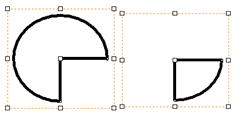 |
Click “Pie” button on the circle object property window to convert to pie (a filled arc). The start/end of an angle of a pie can be assigned, or adjusted by dragging the start/end with the mouse. Click "CW/CCW" button to create a reversed pie image. |
 [Rectangle]
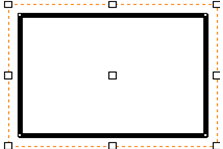 |
Click the work area then hold your mouse and drag to designate the size of a rectangle. Press “Shift” key on the keyboard then drag your mouse to create a square. |
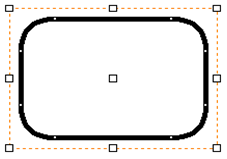 |
The curvature of each edge can be assigned on the rectangle object property window. Or, by dragging the edges of the rectangle with the mouse, the edges convert into round corners. |
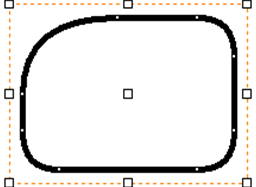 |
Click “Independant Corner” button on the rectangle object property window to adjust the curvature of each corner individually. |
 [Polygon]
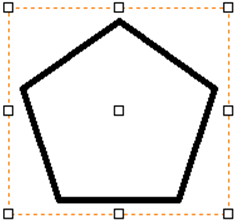 |
Click the work area then hold your mouse and drag to designate the size of a polygon. The number of vertices can be assigned on the polygon object property window. |
 [Mirror] Produces mirrored image.

 [Rotation] Double-click to select rotation then hold your mouse and drag to rotate the image.

 [Invert color] Inverts the color of the image.

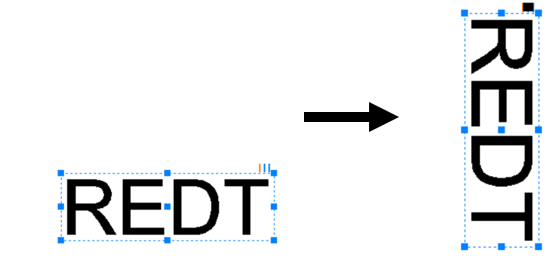
 [90˚CW] Rotates the image by 90˚.
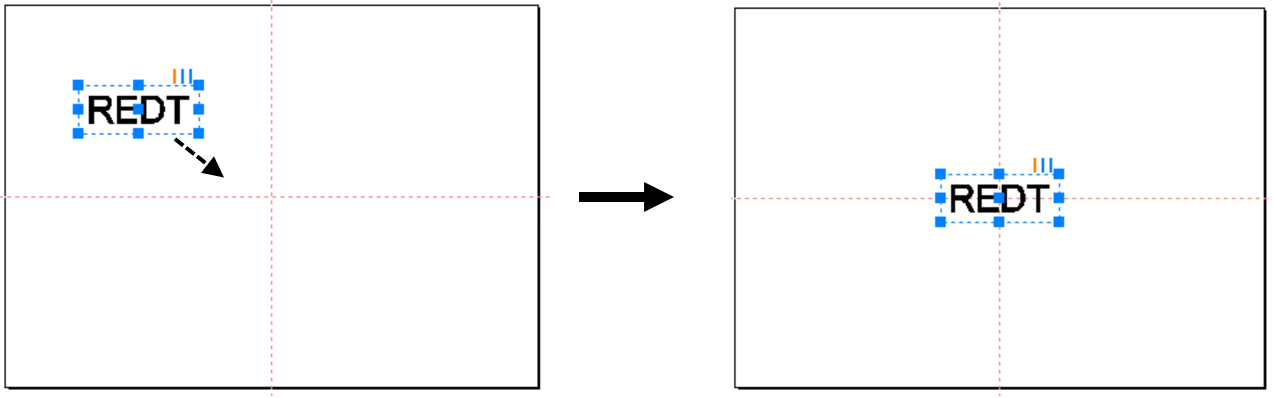
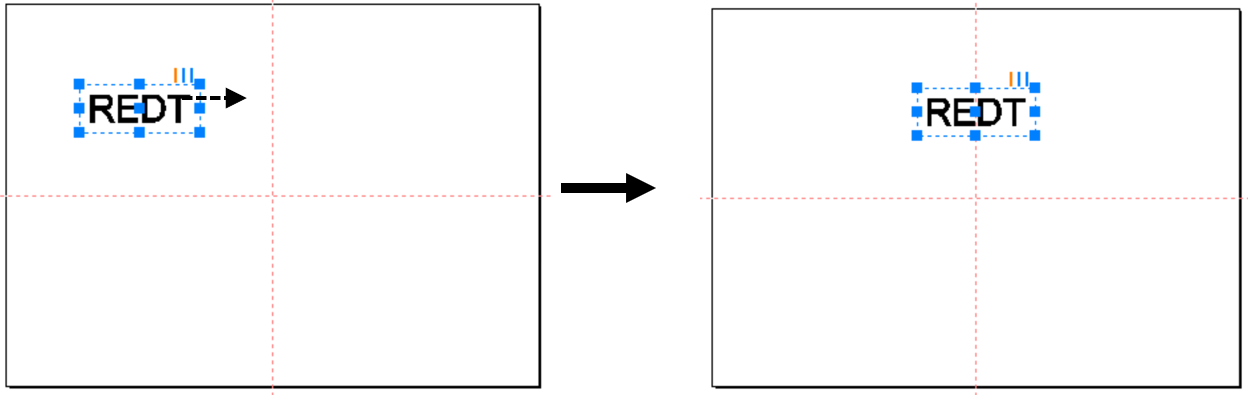
 [Horizontal center in page]
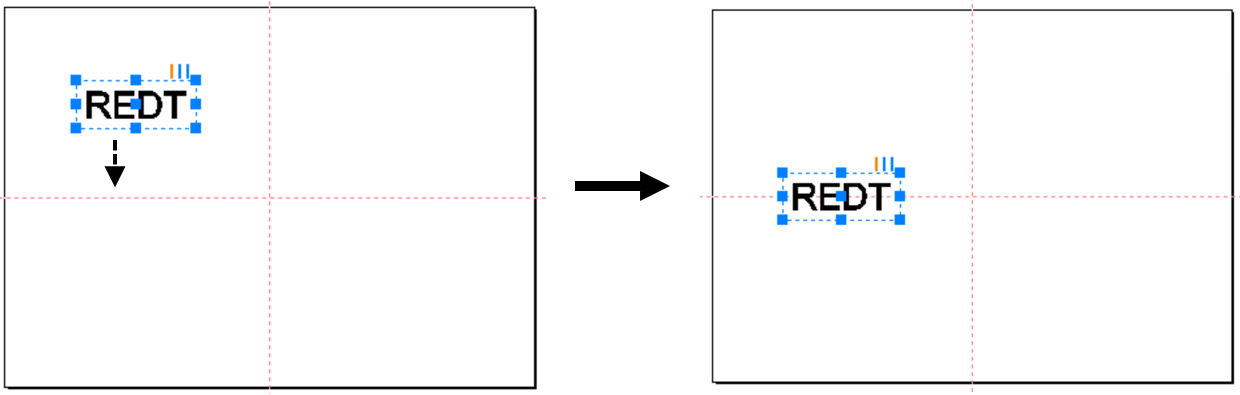
 [Vertical center in page]
 [Center in page]