JANUS cannot operate alone as a desktop engraver. It cannot proceed to laser marking and cutting operation without the use of a computer and software.
The machine should be connected to a personal computer for the machine to operate.
The software provided along with the machine must be installed to the computer to run the program for laser marking and cutting.
¶ How to install the machine
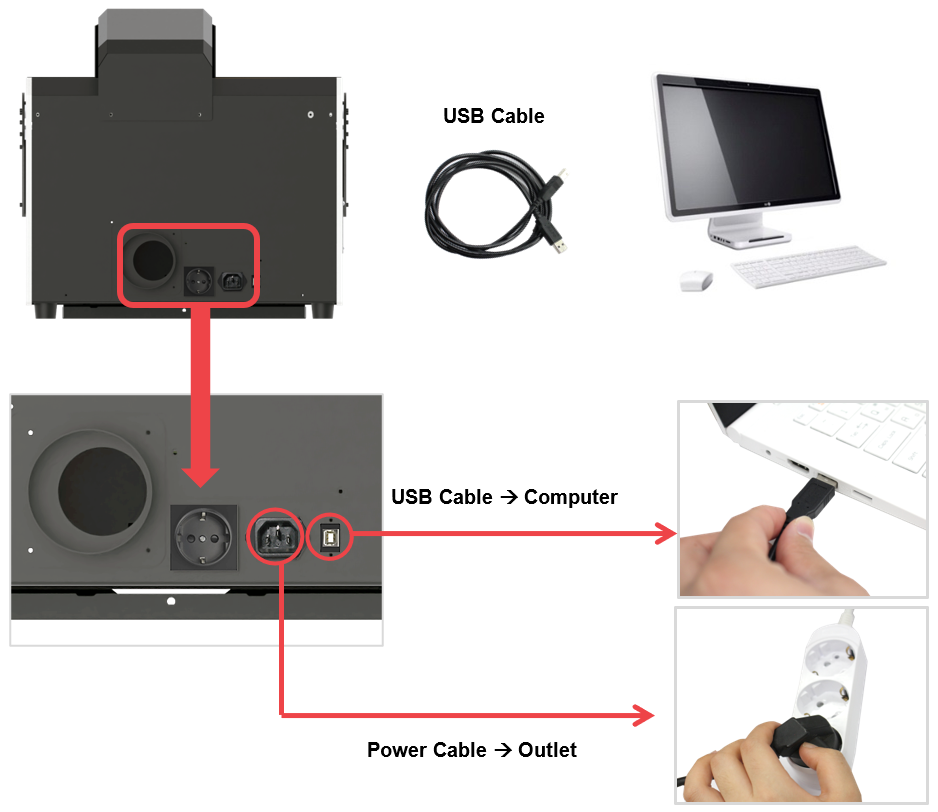
1. To start the machine, plug its power cable into a grounded outlet. ※See precautions for use for safety.
2. To connect the machine to the computer, plug in the USB cable on the back of the machine then on the computer’s USB port.
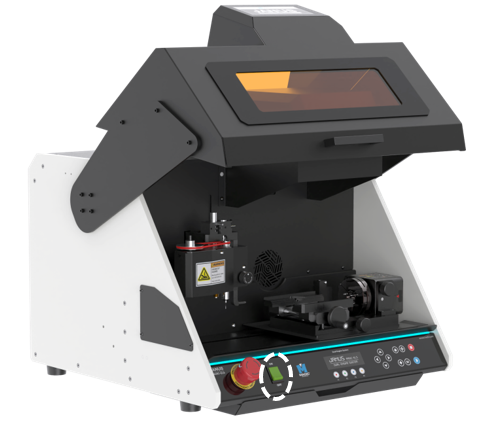
¶ Power switch
¶ Emergency Switch
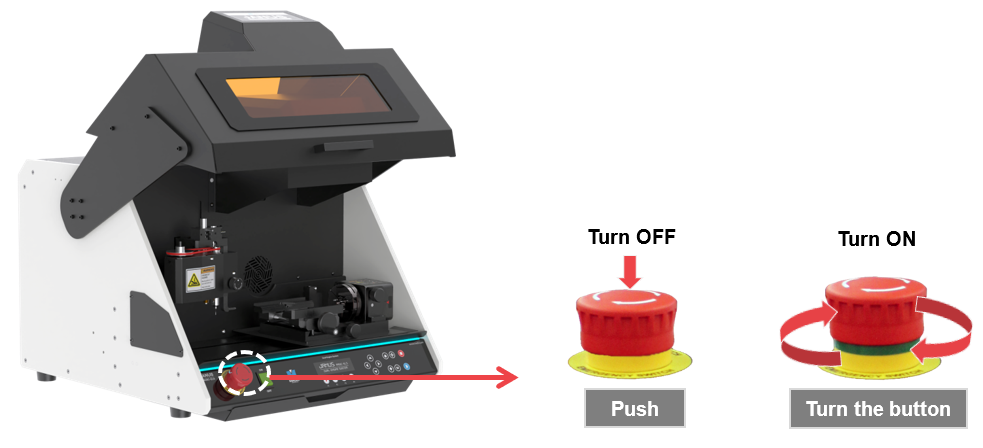
※If the machine won’t turn on, check the emergency switch.