※The driver is automatically installed upon running program installation. If the driver is not properly installed, do manual installation.
※Be sure to connect the USB cable to the machine to run program installation.
Follow the instructions below.
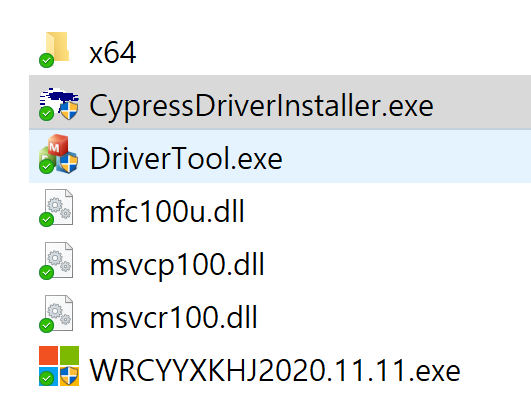
| 1. Run CypressDriverInstaller.exe from the Driver folder on the included USB drive. |
 |
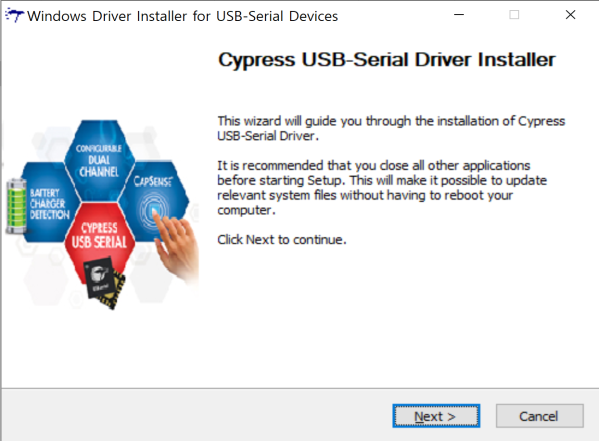
| 2. Click the [Next] button. |
 |
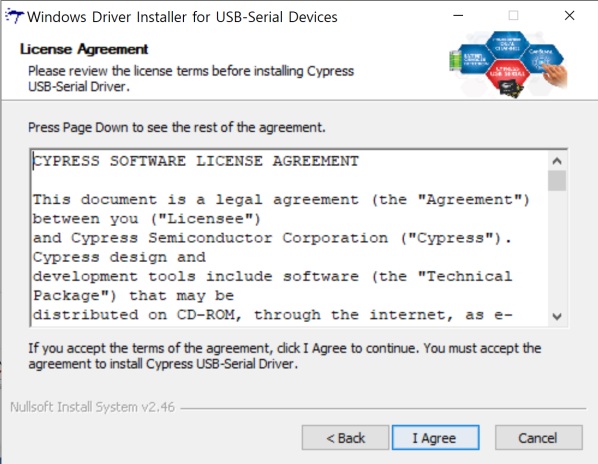
| 3. Read the license agreement. |
 |
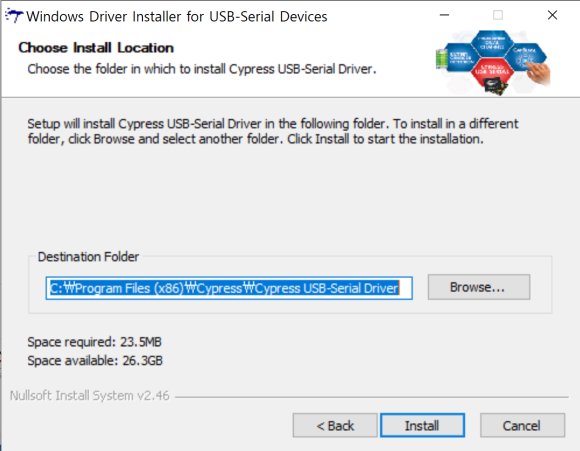
| 4. Select the installation folder, then proceed with the installation. |
 |
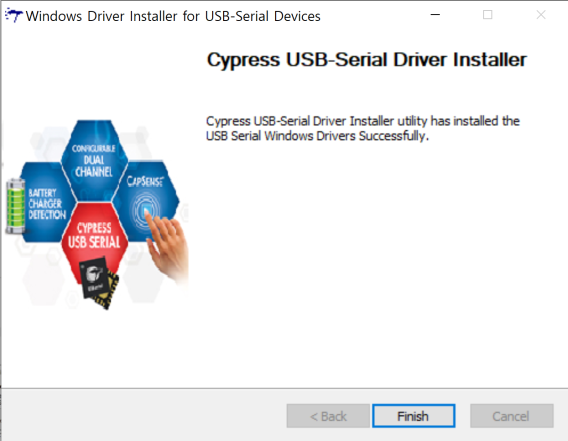
| 5. Click “Finish” button to complete program installation. |
 |