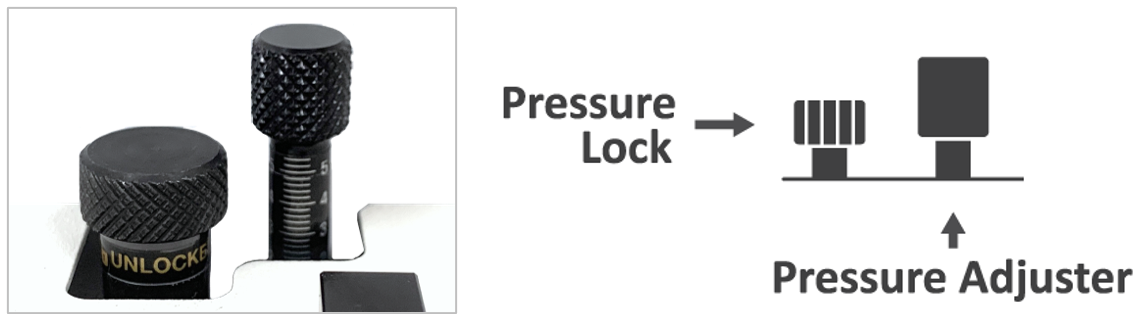
¶ Setting Machine Pressure Lock
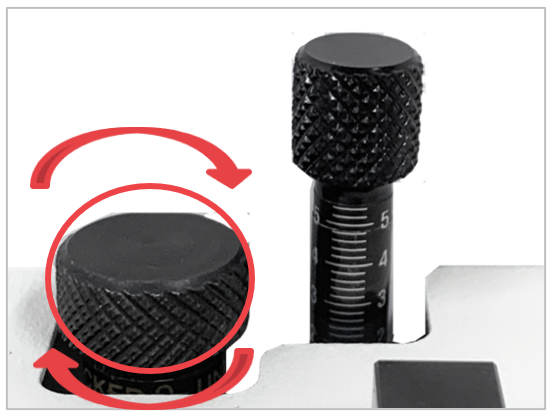
Lock the pressure lock when cutting or engraving materials with a V cutter to reduce vibration during engraving for enhanced cutting and engraving quality, and to extend the life of the tools. Turn the pressure lock clockwise to lock then turn it counterclockwise to unlock/release pressure.
 |
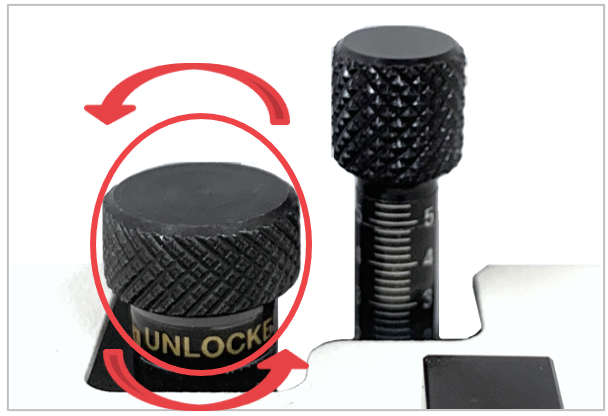 |
| [When using endmill/ V-cutter etc.] | [When using diamond/ carbide tip] |
Pressure is needed when engraving with a diamond/carbide tip tool. Hence, tension must be unlocked to release pressure.
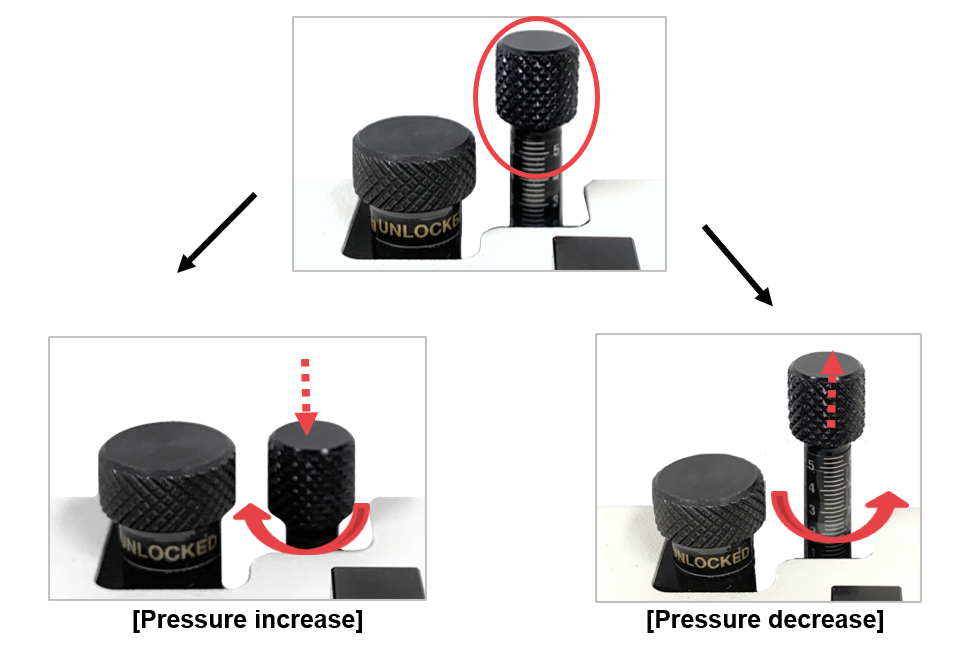
¶ Pressure Adjuster
When engraving with a diamond/carbide tip, adjust the depth by pressure. This has the same effect as assigning the engraving depth when creating a tool path. To increase pressure, turn the pressure adjuster counterclockwise; to decrease pressure, turn it clockwise