Press one of the 


 buttons in the [STANDBY] mode to activate [MOVE].
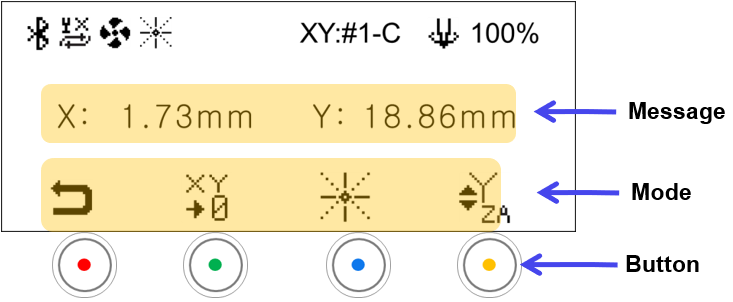
| Message | |
|---|---|
| X-Y Position | The message on display varies depending on the Y-axis mode: •Y→Y: X-Y axis position •Y→Z: Z-axis position •Y→A: A-axis position |
| Mode | ||
|---|---|---|
 |
Standby Mode | • Switches to the STANDBY mode • Switches automatically to [STANDBY] mode if not in use for 10 seconds. Press any buttons to activate [MOVE] mode. |
 |
Save Origin | Saves the current position as the XY origin *Short-press: Temporary save *Long-press: Permanent save  Y-axis movement mode: Save XY Origin Y-axis movement mode: Save XY Origin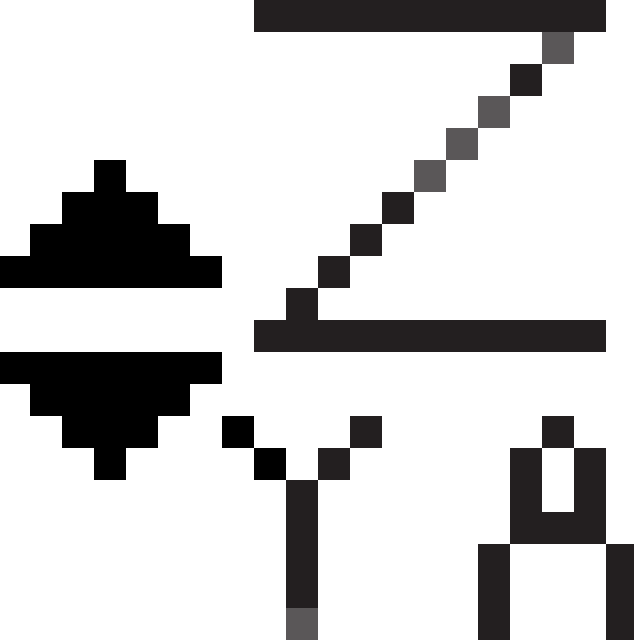 Z-axis movement mode: Z-axis movement mode:  Save Z Origin Save Z Origin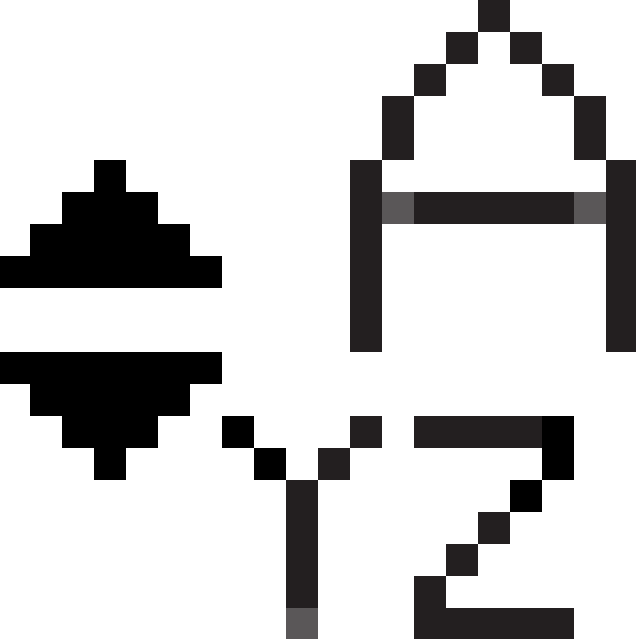 A-axis movement mode: A-axis movement mode:  Save A Origin Save A Origin |
 |
Laser Pointer | Turns ON/OFF the laser pointer |
|
UP-DOWN Button Settings | The mode changes in sequence (Y-axis → Z-axis → A-axis → Y-axis) in a loop whenever the button is clicked.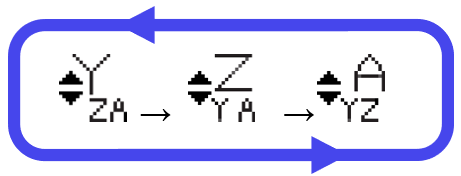 |