- Press one of the buttons


 to switch to [Move mode-Flat].
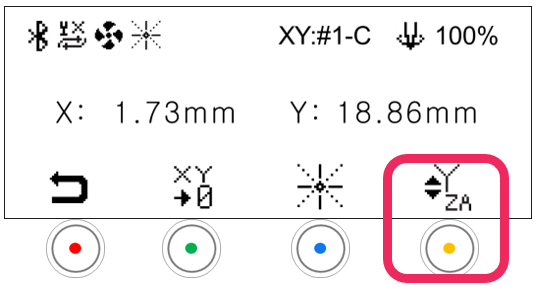
- When the LCD window displays the following (as shown below), press
 [Laser pointer] button to turn on the laser pointer.
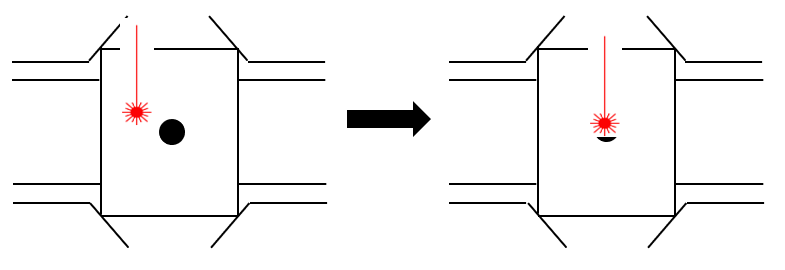
- Use the direction keys to set the laser pointer origin.
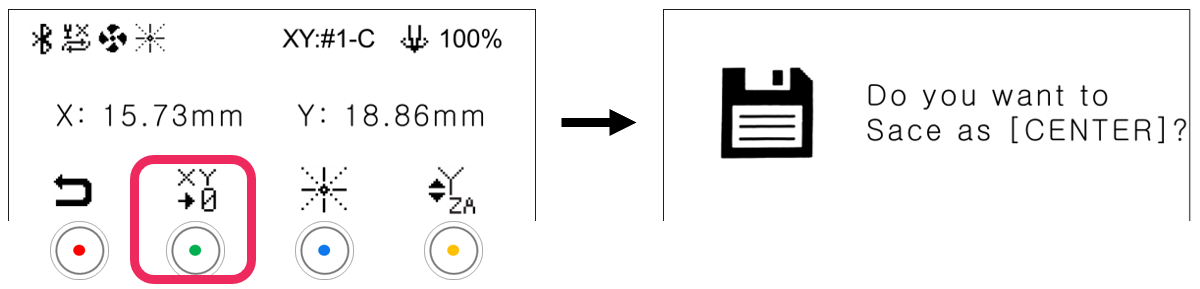
- Press the
 button to display save confirmation on the LCD window.
- Short press button: Temporary save (message guide X)
- Long-press and hold button (for more than 3 seconds): Permanent save
- Press the
 button to save the setting.