 |
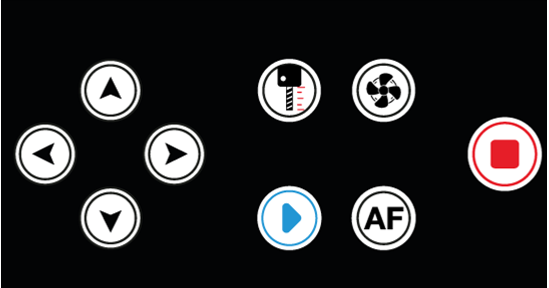
Direction Key (X,Y/Z) |
Engraving area adjustment  (X) Moves X axis (X) Moves X axis  (Y)(Z) Moves Y/Z axis (Y)(Z) Moves Y/Z axis |
|
 |
Tool change | 1. Change the tool: Short-press to change tool. 2. Probe calibration: Long-press (for more than 5 seconds) to adjust probe settings. |
|
 |
Vacuum ON/OFF | Chip collector power button • Automatic control: The device starts automatically once the engraving operation begins and stops automatically once the engraving operation is completed. • Manual operation: Automatic control is deactivated if the device is manually switched on. Once the engraving operation is completed, the device should be manually turned off. ※ We strictly advise our users to use the Chip collector during engraving operation for safety. The Chip collector prevents exposure form harmful inhalable particles and debris like metal chips and dusts which may cause eye injury if they get stuck in the eye or respiratory problems if inhaled. |
|
 |
Start | Start marking button • Start marking: Long-press (for 2 seconds) the [Start] button to start marking. • Repeat marking: Press the [Start] button to finish marking, then double-press (tap twice) the [Start] button to repeat marking. • Menu: Press OK when using the menu. |
|
 |
Auto focus | Activates camera auto focus position • Auto moves to view position after height measurement • Refreshes the camera display at MagicEngrave. ※Variety of features available for use once MagicEngrave software is enabled. |
|
 |
Stop | Stops/cancels marking | |
| Press the button while pressing/holding the corresponding button. |
||
|
Pointer On/Off | Laser pointer On/Off |
|
Pointer Calibration | Set laser pointer calibration |
| / |
Change Origin | Current tool position • Another position: Move to the origin • Origin: Move to a different origin (Center ↔ Left-top origin) |