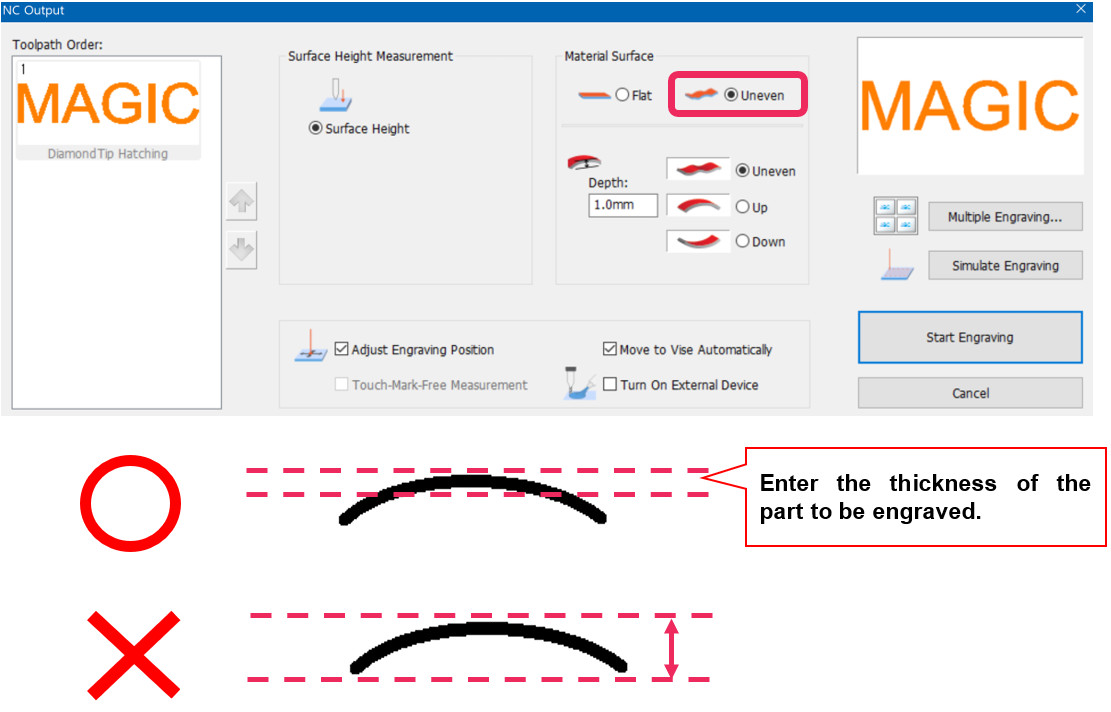
Scratch on the surface of a curved material is likely to be caused by the tool touching the surface of the material when it moves. This can be avoided by entering the thickness of the material’s surface to set the Z-movement height automatically.
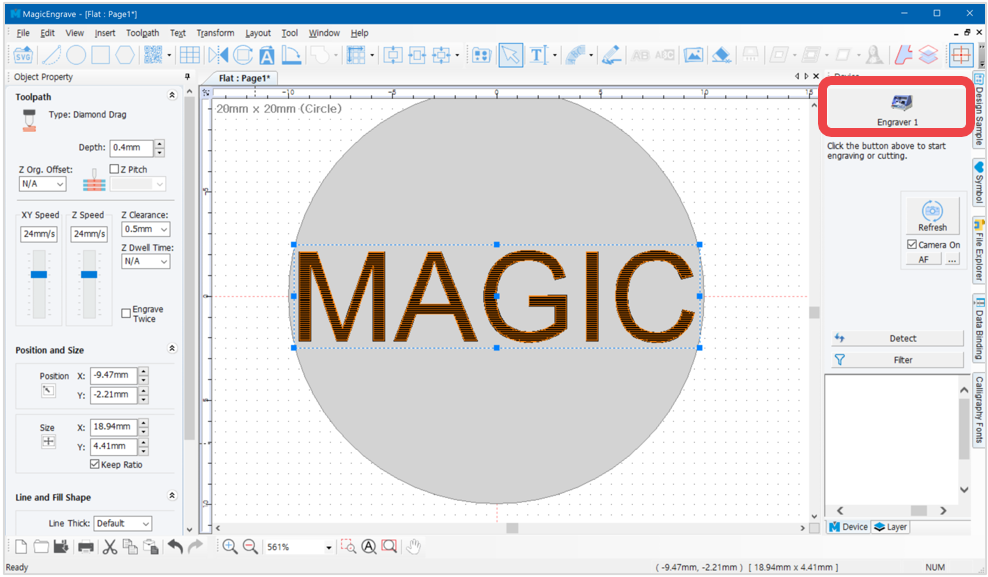
- Create a toolpath then click
 button.
- Once “NC Output” window appears, click “Uneven” to see different kinds of curved materials. Select a shape that resembles the shape of the material then enter its thickness (the thickness of the area to which the engraving is applied) then click “Start Engraving” button.